
Configuring network properties, Configuring network properties 3, Figure 9-7 – Dell Emulex Family of Adapters User Manual
Page 1603: Figure 9-8, Configuring
Boot Version 10.2 for NIC, iSCSI, FCoE, and RoCE Protocols User Manual
P010097-01B Rev. A
9. Configuring and Managing the iSCSI Initiator with the iSCSISelect Utility
Configuring Network Properties
1603
To enable MPIO support:
1. From the Controller Properties screen (Figure 9-4), select MPIO Port and press
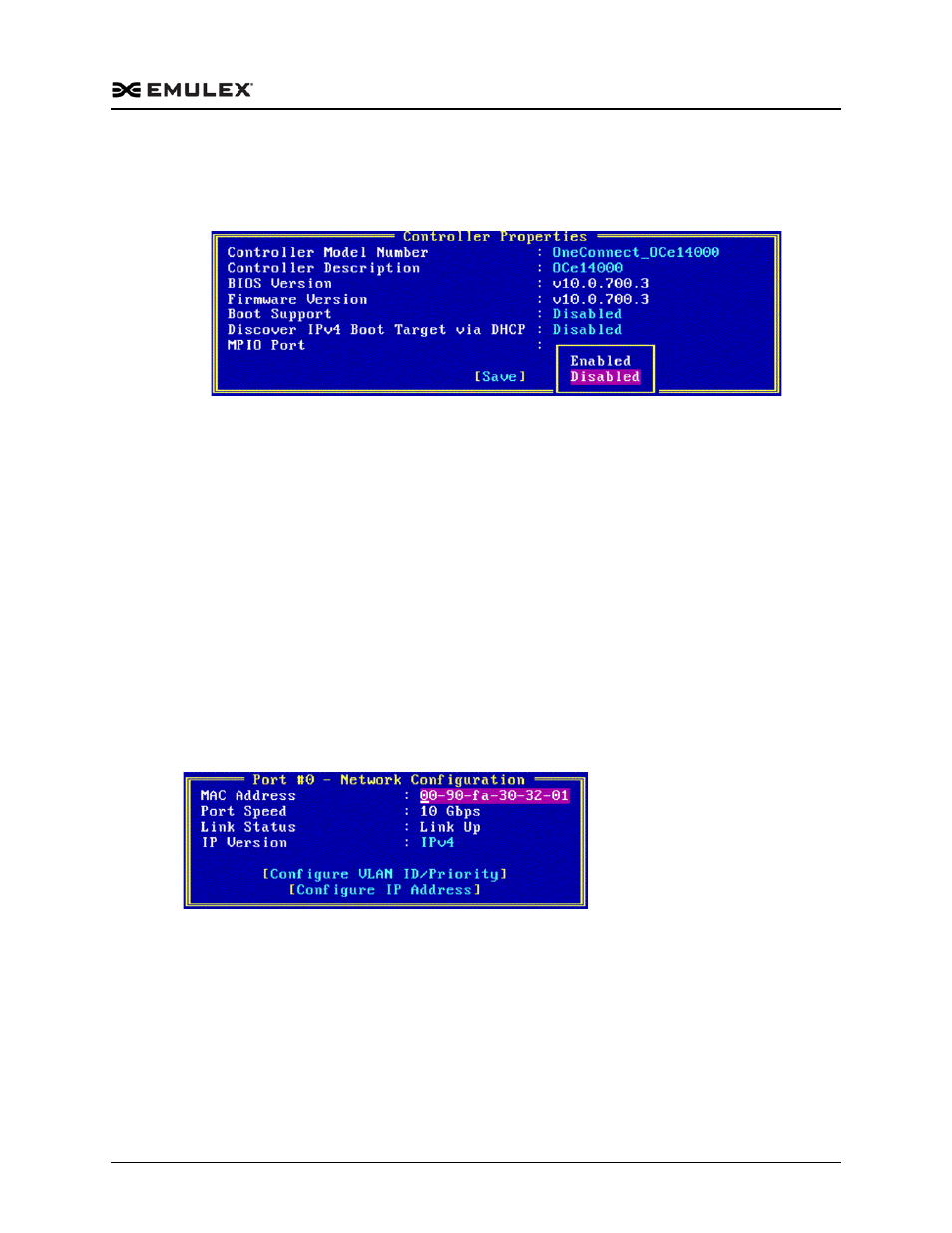
Figure 9-7 Controller Properties Screen with MPIO Port Pop-up Menu
2. Select Enabled or Disabled and press
3. To save your changes, select Save and press
Configuring Network Properties
The Network Configuration screen displays the MAC address, port speed, and link
status for the adapter. From the Network Configuration screen, you can configure the
following items:
IP version
VLAN ID/priority
IPv4 or IPv6 address
To view the network configuration:
1. From the Controller Configuration menu (Figure 9-3), select Network
Configuration and press
Figure 9-8 Network Configuration Screen