
Import and configure time of day program – Rockwell Automation Energy Management Accelerator Toolkit Quick Start User Manual
Page 398
398
Rockwell Automation Publication IASIMP-QS016C-EN-P - October 2014
Chapter 13 Time of Day Control
Configure the I/O
Configure the I/O specific to your application, as identified in the
section.
The 1769-L23E packaged controller included embedded I/O for 16 DC inputs, 16
DC outputs, 4 differential or single-ended analog inputs, 2 single-ended analog
outputs, 6 HSC inputs, and 4 HSC outputs.
1.
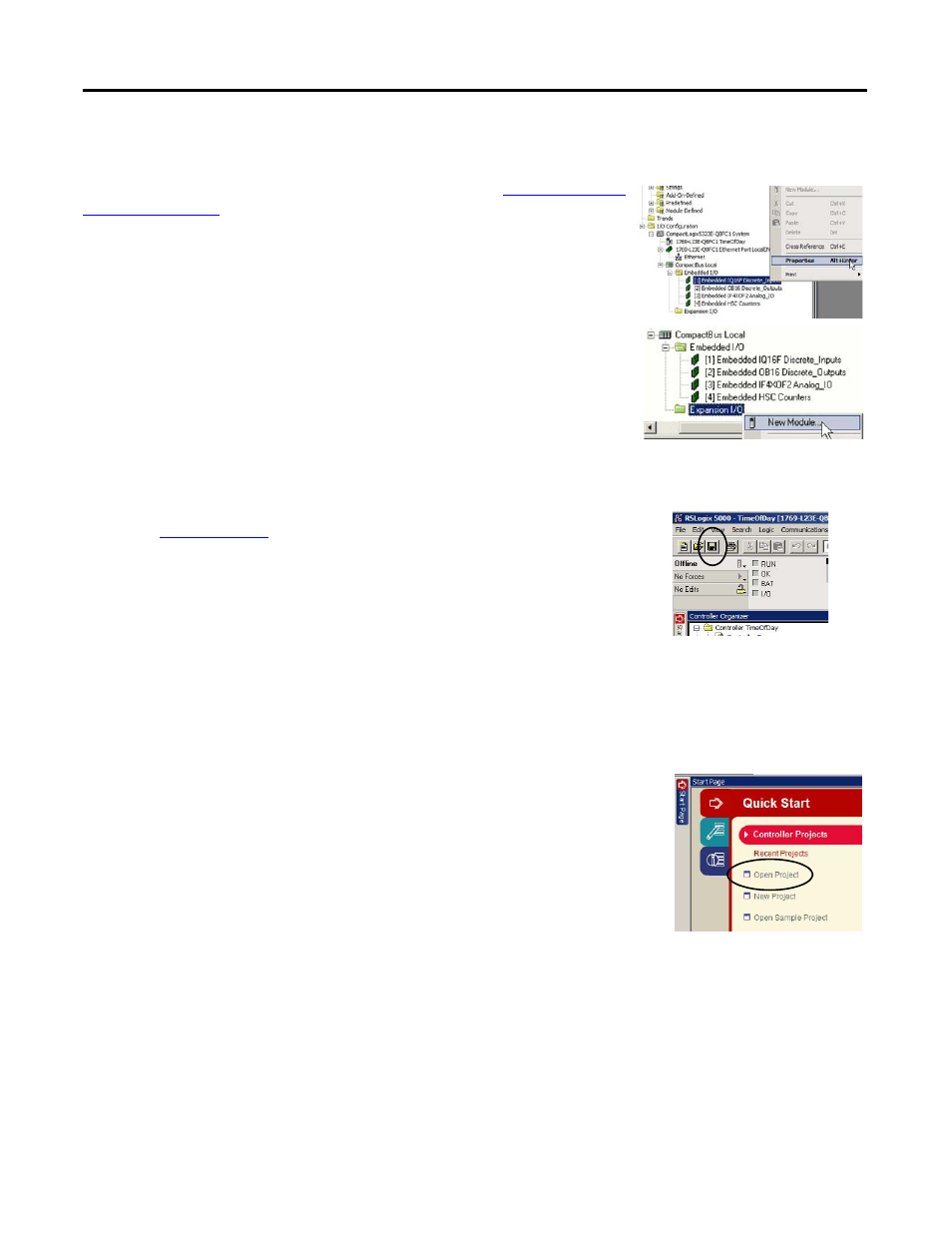
To configure the properties for any of the embedded I/O modules, right-click
on the module and select Properties.
If required, up to two 1769 CompactLogix modules may be added to the
1769-L23E-QBFC1B packaged controller.
2.
To add an expansion module to the I/O configuration tree, right-click the
Expansion I/O folder and select New Module.
For detailed information about configuring your embedded I/O, see Chapter 3 of the
1769 CompactLogix Packaged Controllers Quick Start and User Manual,
publicat
mbedded I/O (page 191).
Save the Project File
Click to save your RSLogix 5000 application file.
Import and Configure Time of Day Program
Follow these steps to import and configure the Time-of-Day program.
1.
If not already opened, open your RSLogix 5000 software project.