
4 interface port-channel commands, Table 140 interface port-channel commands, Section – ZyXEL Communications GS-4024 User Manual
Page 368
Chapter 45 Introducing Commands
GS-4012F/4024 User’s Guide
368
45.12.4 interface port-channel Commands
The following table lists the
interface port-channel
commands in configuration mode.
Use these commands to configure the ports.
Sets the SP TPID (Service
Provider Tag Protocol Identifier).
13
vlan-type <802.1q|port-
based>
Specifies the VLAN type.
13
Table 139 Command Summary: Configuration Mode (continued)
COMMAND
DESCRIPTION
PRIVILEGE
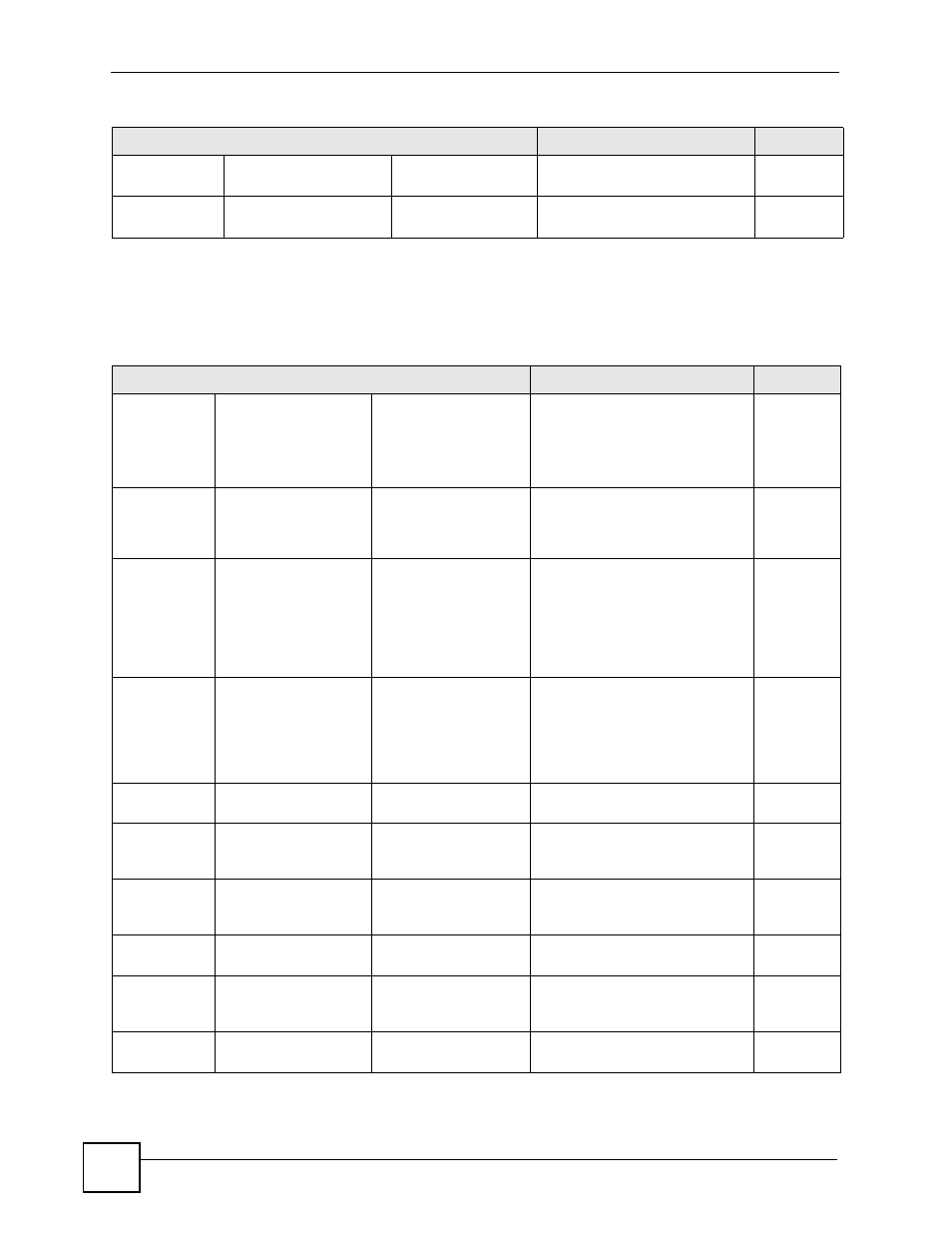
Table 140 interface port-channel Commands
COMMAND
DESCRIPTION
PRIVILEGE
interface
port-
channel
list> Enables a port or a list of ports for 13 arp inspection trust Sets the port to be a trusted port 13 limit rate Specifies the maximum rate (1- 13 limit rate burst interval Specifies the length (1-15 13 bandwidth-limit Enables ingress (pir), cir and 13 cir Enables the guaranteed 13 cir Sets the guaranteed bandwidth 13 pir Enables bandwidth limits allowed 13 pir Sets the maximum bandwidth 13 egress Enables bandwidth limits allowed 13
configuration.
for arp inspection. The Switch
does not discard ARP packets on
trusted ports for any reason.
2048 packets per second) at
which the Switch receives ARP
packets from each port. The
Switch discards any additional
ARP packets. Enter 0 to disable
this limit.
seconds) of the burst interval.
The burst interval is the length of
time over which the rate of ARP
packets is monitored for each
port.
egress limits on the port(s).
bandwidth limits for incoming
traffic on the port(s).
allowed for incoming traffic on the
port(s).
for incoming traffic on the port(s).
allowed for incoming traffic on the
port(s).
for outgoing traffic on the port(s).