
Directory
Brands
Acer manuals
Computer hardware
Altos G540 M2
Manual

Rack mount configuration – Acer Altos G540 M2 User Manual

Page 47
  • Text mode
  • Original mode
background image

37

Rack mount configuration

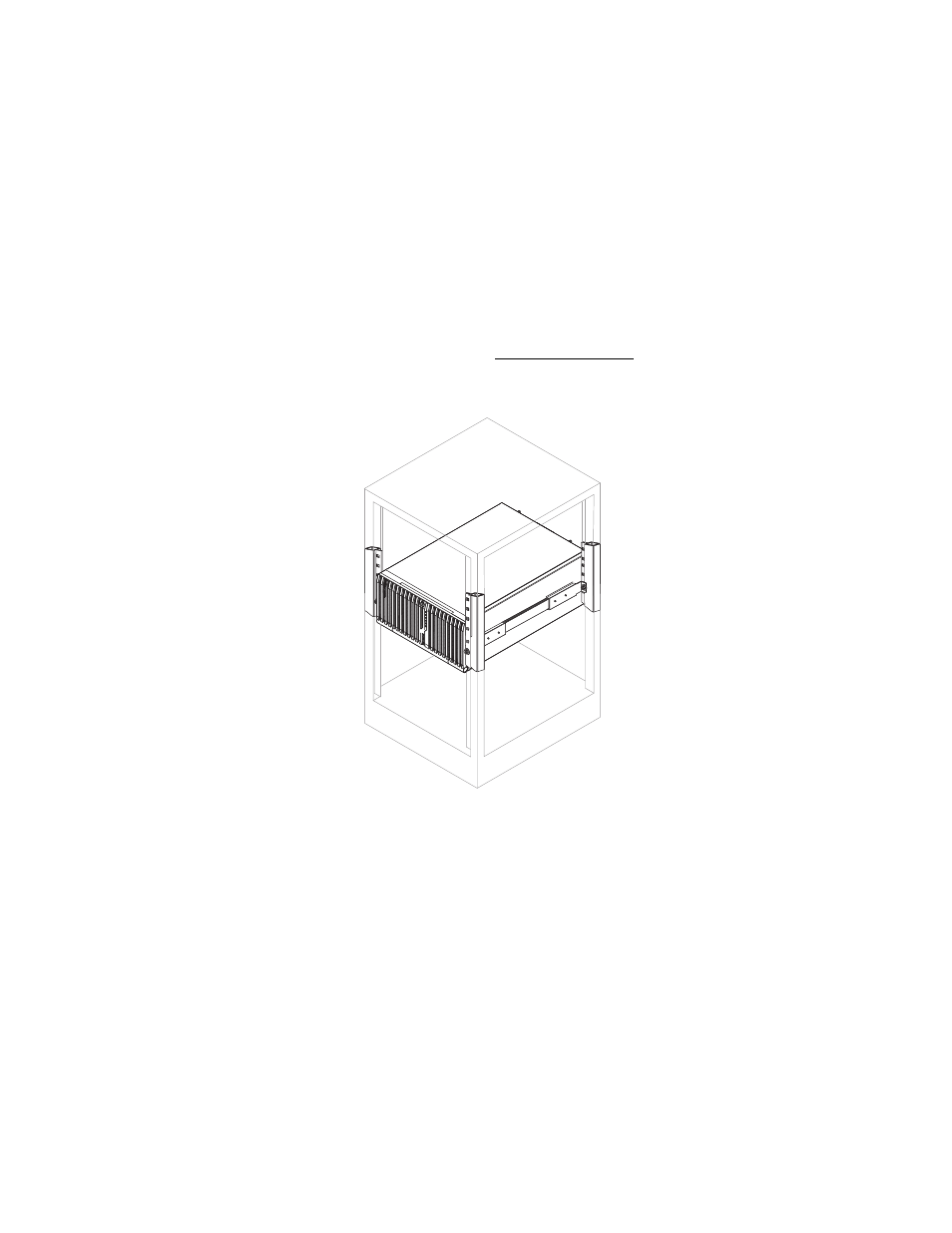
The Altos G540 M2 server is a dual-platform system that can be set up
in both tower and rack-mount configurations. A rack mount kit is
available for customers who prefer to mount the server in a system
rack. To purchase a rack mount kit, contact your local Acer
representative or order directly from http://www
.acer.com/.

The figure below shows the Altos G540 M2 server in a rack-mount
position.

For instructions on tower-to-rack configuration, refer to “Appendix B:
Rack mount configuration” on page 157.

Pages: 1 … 45 46 47 48 49 … 221
  • wrong Brand
  • wrong Model
  • non readable
See also other documents in the category Acer Computer hardware:
  • AR380 F2 (37 pages)
  • AR320 F2 (39 pages)
  • RC111 (103 pages)
  • RC111 (38 pages)
  • RL100 (32 pages)
  • AR320 F1 (171 pages)
  • Altos G320 (132 pages)
  • Altos R510 (198 pages)
  • Altos G530 (190 pages)
  • Altos G540 (146 pages)
  • AW2000h-AW170hq (160 pages)
  • Altos G520 (186 pages)
  • Altos G301 (160 pages)
  • AR585 F1 (68 pages)
  • AR180 F1 (178 pages)
  • Altos R5250 (142 pages)
  • Altos R701 (135 pages)
  • AT150 F1 (182 pages)
  • AB460 F1 (618 pages)
  • Altos G330 (134 pages)
  • Altos R720 (186 pages)
  • AT310 F1 (176 pages)
  • AR360 F1 (188 pages)
  • Altos G510 (158 pages)
  • AR160 F1 (162 pages)
  • AT350 F1 (184 pages)
  • Altos R700 Series (135 pages)
Home Brands Popular manuals Recently added
Manuals Directory

© 2012–2025, azmanual.top
All rights reserved.