
Directory
Brands
PRG manuals
Equipment
Mbox Studio Manual v3.7
Manual

PRG Mbox Studio Manual v3.7 User Manual

Page 26
  • Text mode
  • Original mode
background image

18

MBOX

®

STUDIO USER MANUAL

Step

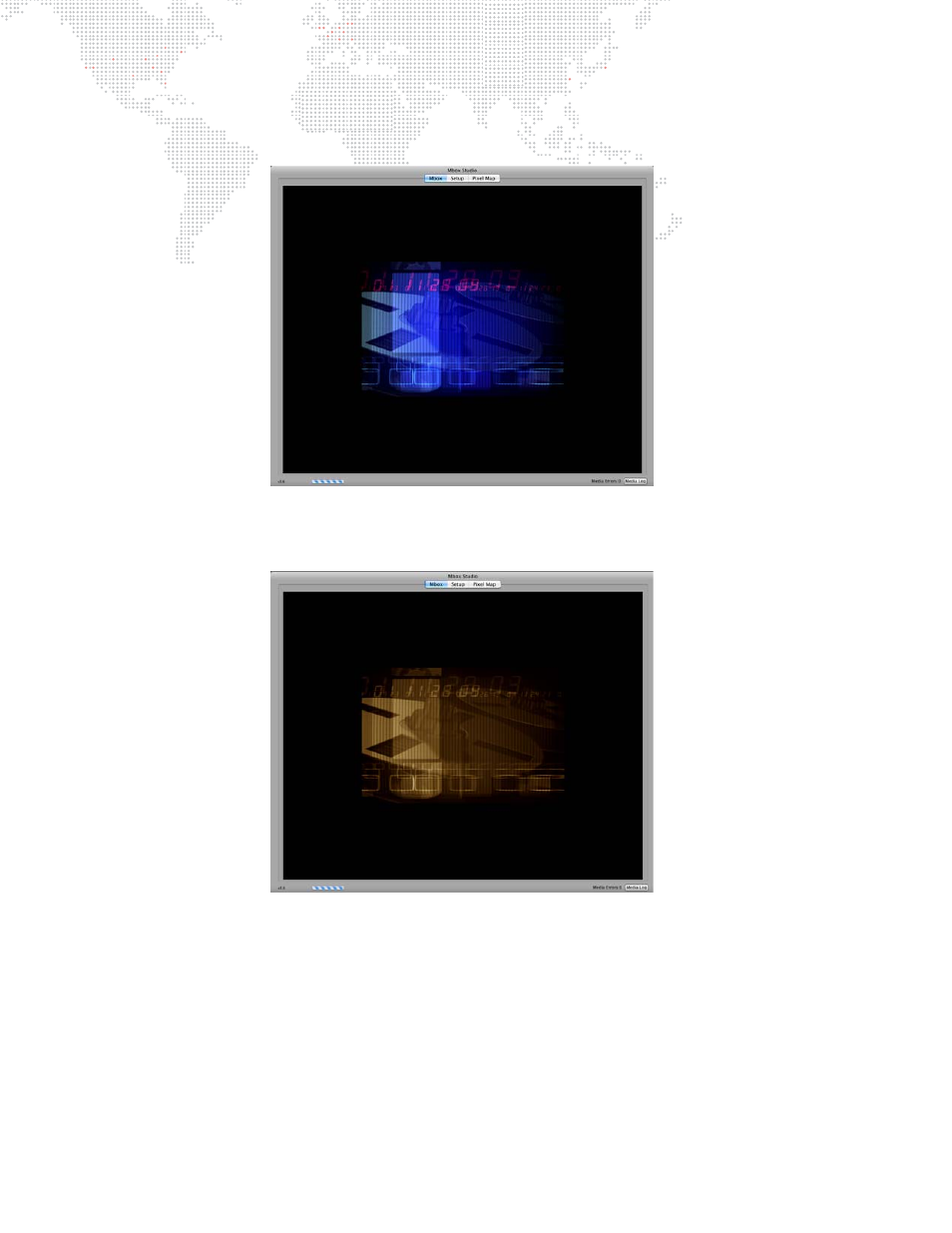
4. At this point, adjust the folder and file parameters to change to different media content. For example,

changing to another folder and file might result in the following clip:

Step

5. To apply an effect to the layer, for example, set the Effect 1 parameter to 2 (sepia tone) and set the Effect 1

Control A to 255 (full). This should result in a sepia version of the same clip:

Pages: 1 … 24 25 26 27 28 … 172
  • wrong Brand
  • wrong Model
  • non readable
See also other documents in the category PRG Equipment:
  • Mbox Studio Manual 3.9 (158 pages)
  • Mbox Studio Manual 3.8 (194 pages)
  • Mbox Studio User Manual v3.6.1 (118 pages)
  • Mbox Mini Manual 3.9 (154 pages)
  • Mbox Director User Manual v3.9 (112 pages)
  • Mbox Director User Manual v3.8a (108 pages)
  • Mbox Director User Manual v3.7 (80 pages)
  • Mbox Director User Manual v3.6.1 (80 pages)
  • Mbox Designer Manual 3.9 (206 pages)
  • Mbox Remote Manual 3.9 (114 pages)
  • Mbox Designer Manual 3.8 (244 pages)
  • Mbox Mini Manual 3.8 (192 pages)
  • Mbox Designer User Manual v3.7 (232 pages)
  • Mbox Designer User Manual v3.6.1 (174 pages)
  • S400 User Manual 3.1 (66 pages)
  • S400 Tools User Manual 3.1 (14 pages)
  • S400 Systems Networking Guide (66 pages)
  • Super Node (26 pages)
  • Node Plus (26 pages)
  • Ethernet Switch (14 pages)
Home Brands Popular manuals Recently added
Manuals Directory

© 2012–2025, azmanual.top
All rights reserved.