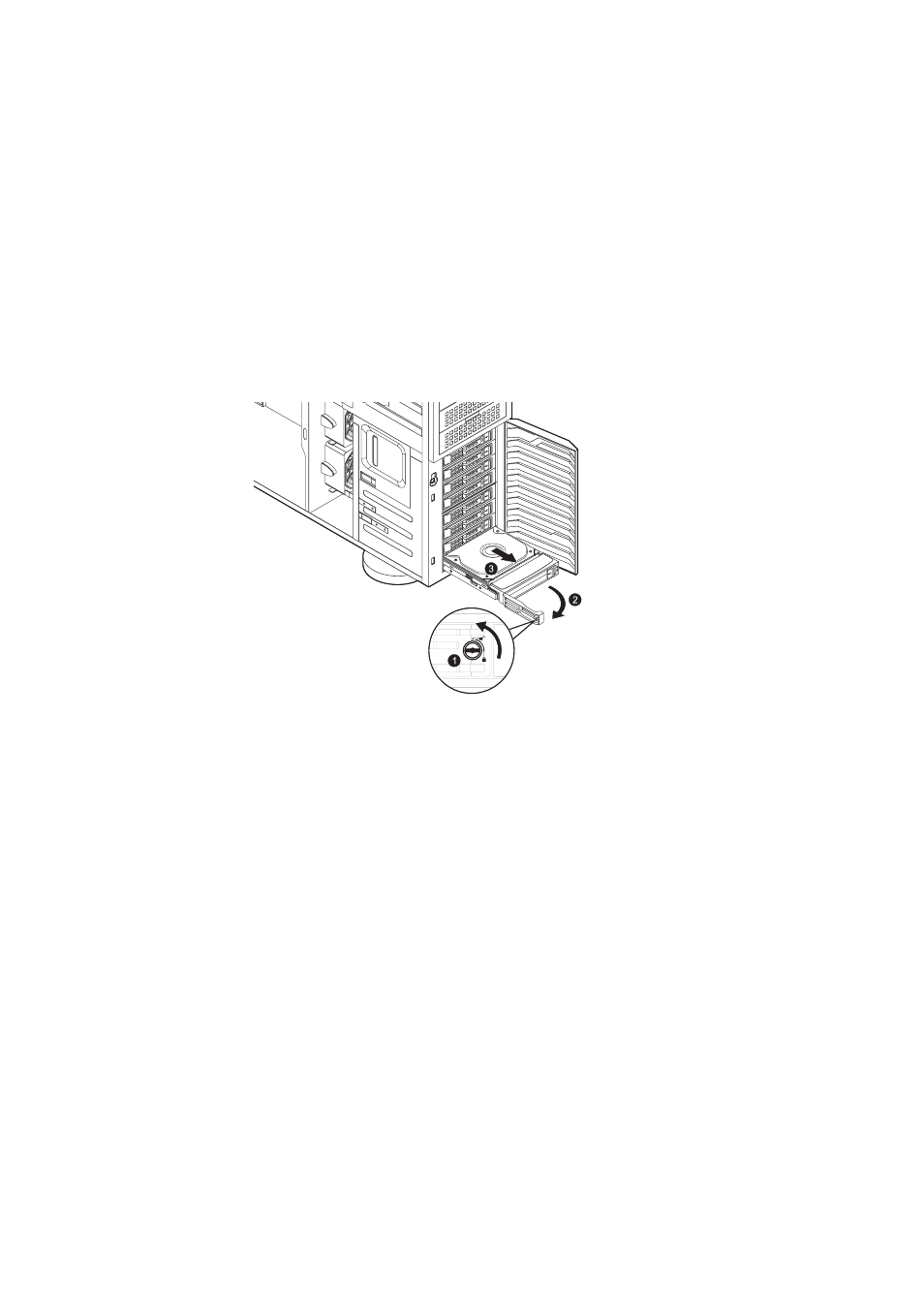
Remove the hard disk drive with carrier. (1) Unlock the HDD carrier latch. (2) Slide the HDD carrier latch to release the lever. (3) Pull the lever and slide the carrier from the server.
3.5-inch HDD with carrier
See also other documents in the category Acer Computer hardware: