
Directory
Brands
Acer manuals
Computer hardware
AT150 F1
Manual

Virtual media – Acer AT150 F1 User Manual

Page 168
  • Text mode
  • Original mode
background image

Appendix C Acer Smart Console

156

Virtual Media

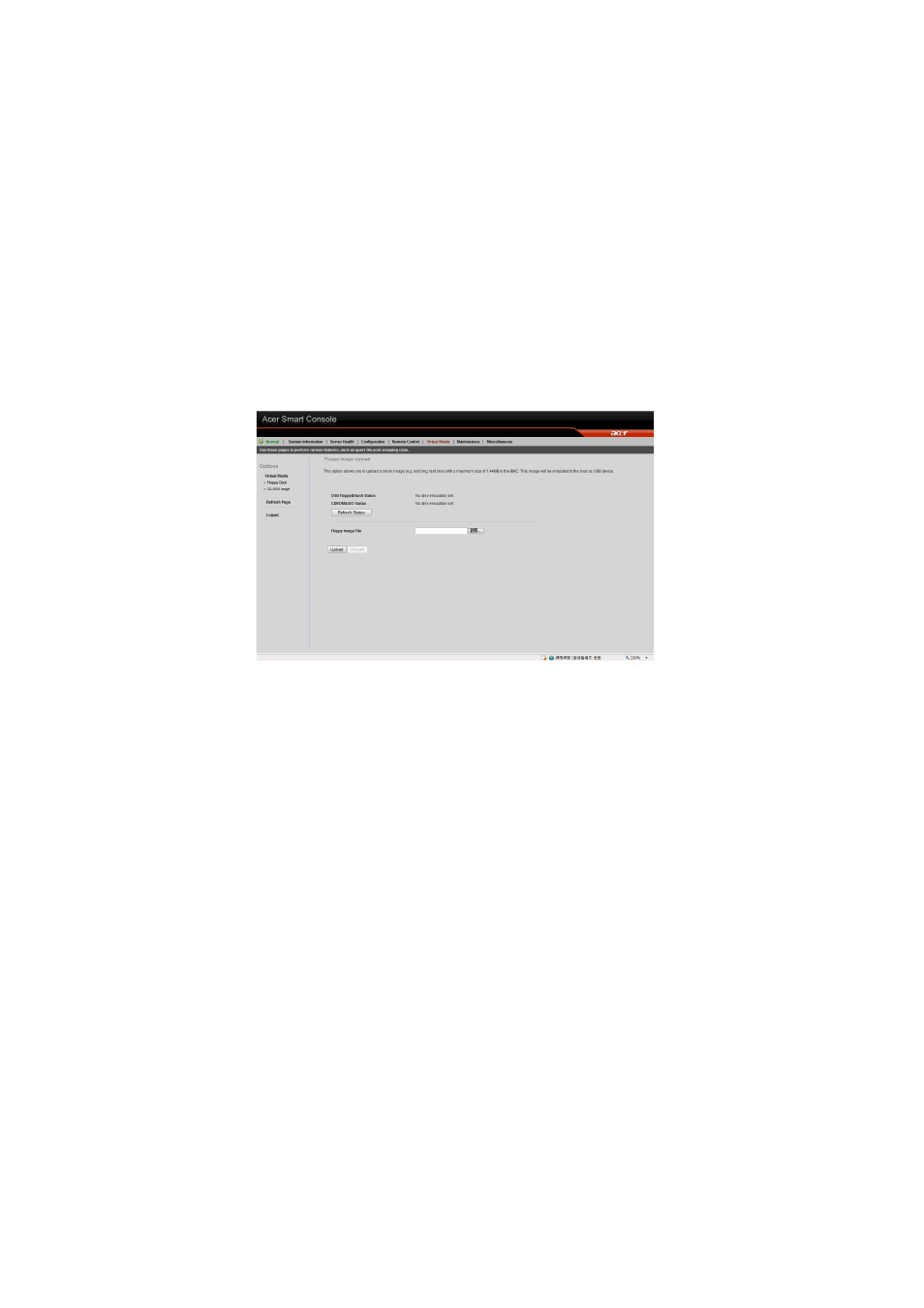
Floppy disk

This floppy disk option allows you to upload and share images via the
BMC. These images will then be emulated to the host server as USB
applications.

Perform the floppy disk operation

On the floppy disk page select an image file, then click Upload to
upload your image file to the server.

Pages: 1 … 166 167 168 169 170 … 182
  • wrong Brand
  • wrong Model
  • non readable
See also other documents in the category Acer Computer hardware:
  • AR380 F2 (37 pages)
  • AR320 F2 (39 pages)
  • RC111 (38 pages)
  • RC111 (103 pages)
  • RL100 (32 pages)
  • AR320 F1 (171 pages)
  • Altos G320 (132 pages)
  • Altos R510 (198 pages)
  • Altos G530 (190 pages)
  • Altos G540 (146 pages)
  • AW2000h-AW170hq (160 pages)
  • Altos G520 (186 pages)
  • Altos G301 (160 pages)
  • Altos G540 M2 (221 pages)
  • AR585 F1 (68 pages)
  • AR180 F1 (178 pages)
  • Altos R5250 (142 pages)
  • Altos R701 (135 pages)
  • AB460 F1 (618 pages)
  • Altos G330 (134 pages)
  • Altos R720 (186 pages)
  • AT310 F1 (176 pages)
  • AR360 F1 (188 pages)
  • Altos G510 (158 pages)
  • AR160 F1 (162 pages)
  • AT350 F1 (184 pages)
  • Altos R700 Series (135 pages)
Home Brands Popular manuals Recently added
Manuals Directory

© 2012–2025, azmanual.top
All rights reserved.