
Press rev or fwd during playback, To resume normal playback, Ii/ll – Philips DVD405AT98 User Manual
Page 18: Note, Playing a disc, Continued), Resuming, X 2 x 8 x 3 0, Playing frame by frame
Attention! The text in this document has been recognized automatically. To view the original document, you can use the "Original mode".
Basic Playback J
Playing a Disc
(continued)
X 2
X 8
X 3 0
Frame
by Frame
Slow-
Motion
Resuming
You can play discs at various speeds and resume playback from the
location where you stopped playback.
______________________________________ ,DVD2_.VCD2_^CP2.
________
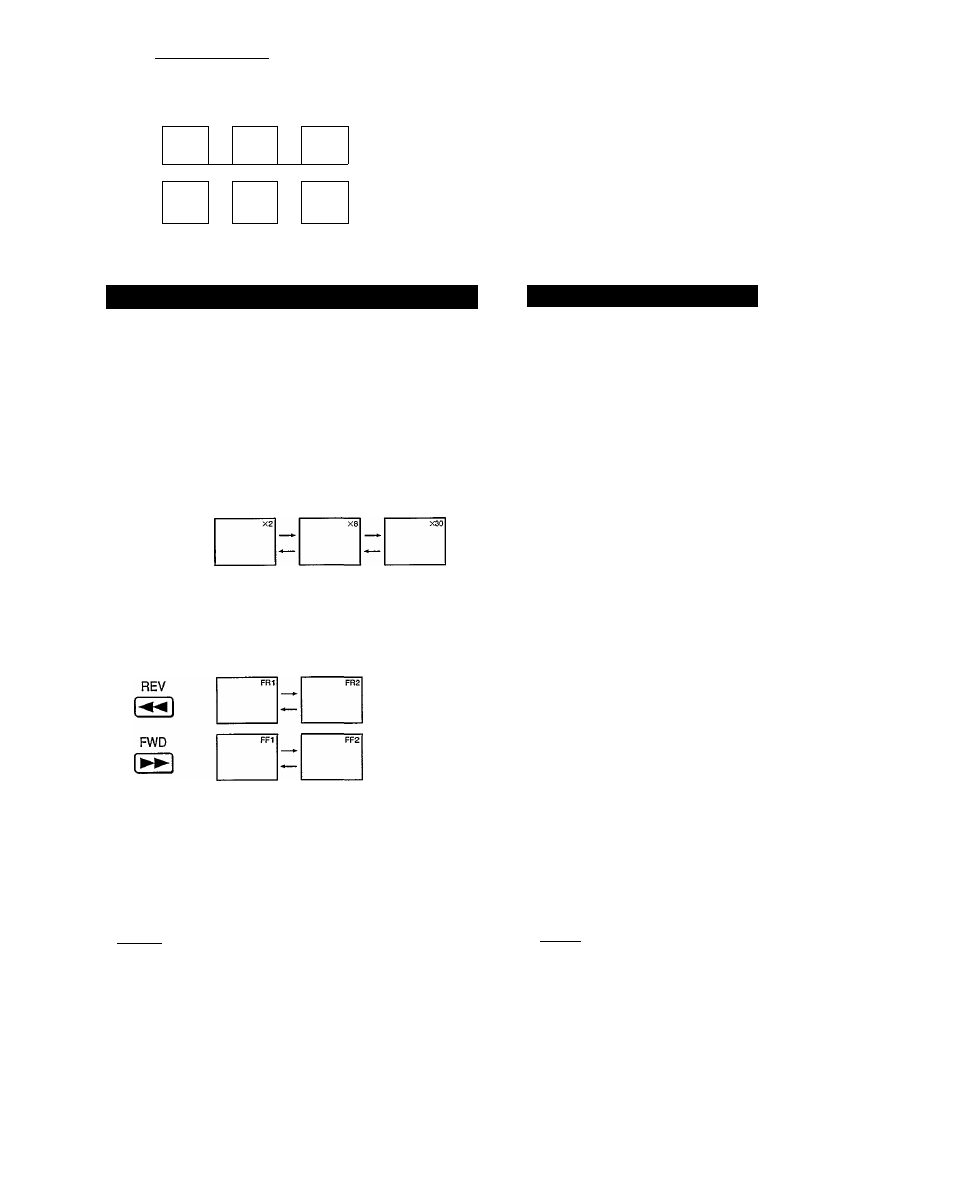
Playing at Twice, Eight Times, or Thirty Times the Normal Speed
You can play a disc at twice, eight times, or thirty times the
normal speed.
( 3,^ 6S Playing Frame by Frame You can advance a picture frame by frame. ■ FWD ■ PAUSE/STEP ■PLAY ■REV DVDi VCDi REV FWD Press REV or FWD during playback. • DVD video disc Each time you press the REV or FWD REV: Fast reverse playback TV screen Twice the Eight times the Thirty times the normal speed normal speed normal speed • VIDEO CD/Audio CD The fast reverse or fast forward playback alternates between two speeds. TV screen Fast reverse playback Fast forw’ard playback To resume normal playback PLAY CE] Press PLAY. PAUSBSTEP II/ll^ Press PAUSE/STEP during playback to begin still playback. Each time you press the PAUSE/STEP To resume normal playback PLAY Press PLAY. Notes ] ■ The DVD video player does not play sound and subtitles during reverse and forward scan of DVD video discs. ' Twice, eight times, or thirty times the normal playback speeds are only approximate speeds. These speeds may vary slightly from disc to disc. Note ^ The sound is muted during frame by frame playback. 17
button, the playback speed changes.
FWD: Fast forward playback
button, the picture advances one frame.
However, the DVD video player plays sound during fast forward or fast
reverse play of audio CDs.