
Directory
Brands
Toshiba manuals
Players
Portable MP3 Player
Manual

Deleting video data – Toshiba Portable MP3 Player User Manual

Page 65
  • Text mode
  • Original mode
background image

65

d

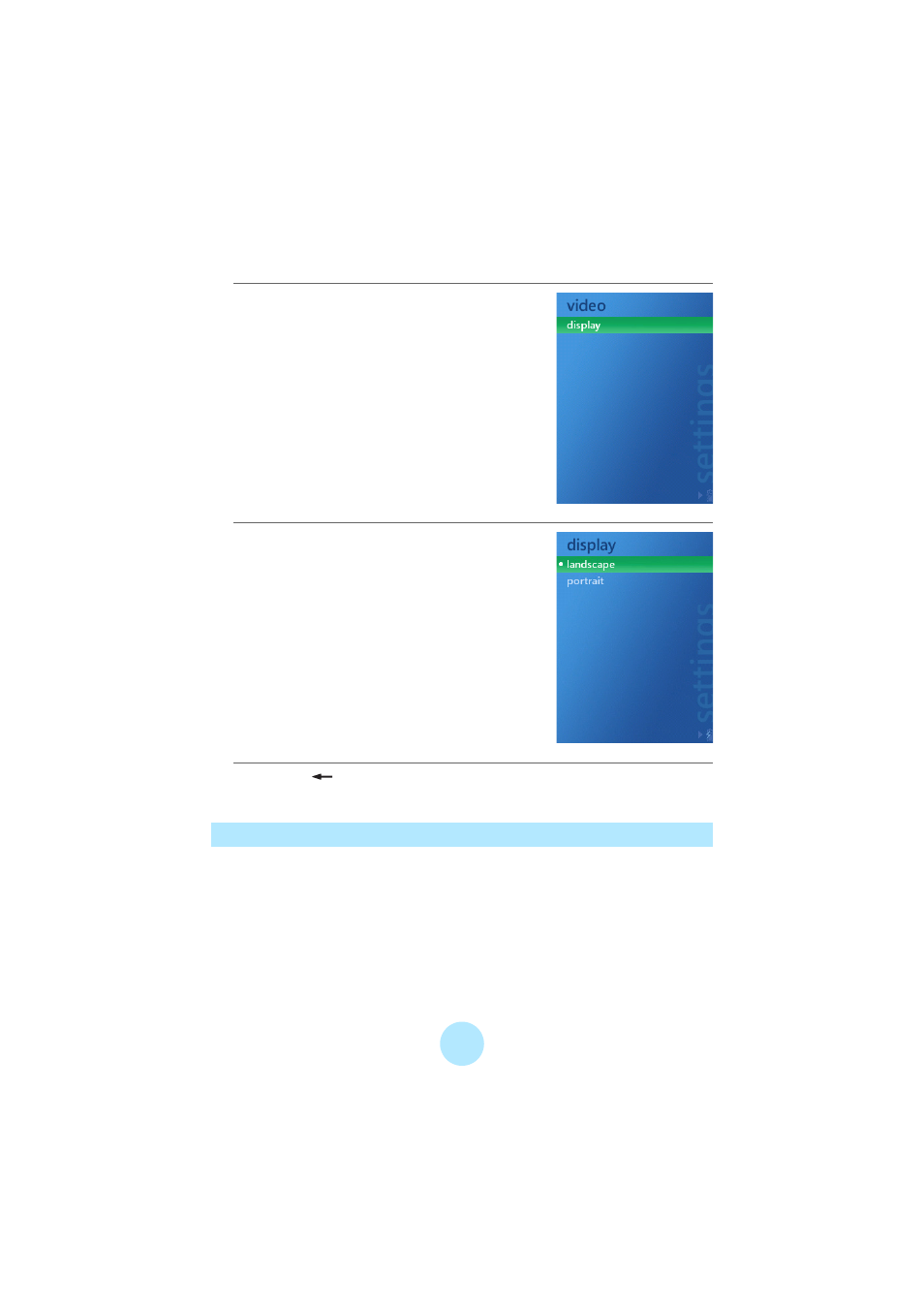
Select “display” and press OK.

e

Select “landscape” or “portrait” and

press OK.

f

Press the

BACK button to return to the video playback

screen.

Deleting Video Data

You can delete videos in the same way as

“Deleting Tracks” (

>

p.43)

.

From “Video” in the right window, select the item you want to delete.

Pages: 1 … 63 64 65 66 67 … 102
  • wrong Brand
  • wrong Model
  • non readable
See also other documents in the category Toshiba Players:
  • gigabeat MEGF20K (162 pages)
  • HDD Portable Media Player Gigabeat S 30 (2 pages)
  • SD-V390 (2 pages)
  • Gigaframe Q80 (2 pages)
  • Dynadock Universal USB Docking Station (5 pages)
  • D-VR4 (2 pages)
  • SD-V592 (2 pages)
  • M105 (60 pages)
  • SD-V394 (2 pages)
  • SD-V291 (72 pages)
  • MEA210 (48 pages)
  • DMF82XKU (2 pages)
  • Dynadock USB Docking Station (2 pages)
  • SD-V55HT (2 pages)
  • D-VR5 (2 pages)
  • gigabeat V Series MEV30K (2 pages)
  • DMF82XWU (2 pages)
  • SD-V65HT (2 pages)
  • MEGF10 (75 pages)
  • D-VR3 (2 pages)
  • SD-V593 (2 pages)
  • SD-V393 (2 pages)
  • DMF102XKU (2 pages)
  • 160HD4 (24 pages)
Home Brands Popular manuals Recently added
Manuals Directory

© 2012–2025, azmanual.top
All rights reserved.