
Placing the paper in the printer – Epson STYLUS 7900 User Manual
Page 62
62
62
|
Handling Paper and Other Media
6. Press u to go back to
REMAINING PPR SETUP
.
7. Press d to select
ROLL PAPER LENGTH
.
8. Press r, then select the length of the roll paper loaded in the printer,
from 15 to 300 ft (5 to 99.5 m), then press
OK
.
9. Press l, then press d to select
ROLL LENGTH ALERT
.
10. Press r, then select the length at which you want to receive an alert
message, from 3 to 50 ft (1 to 15 m), then press
OK
.
11. Press
to exit the menu.
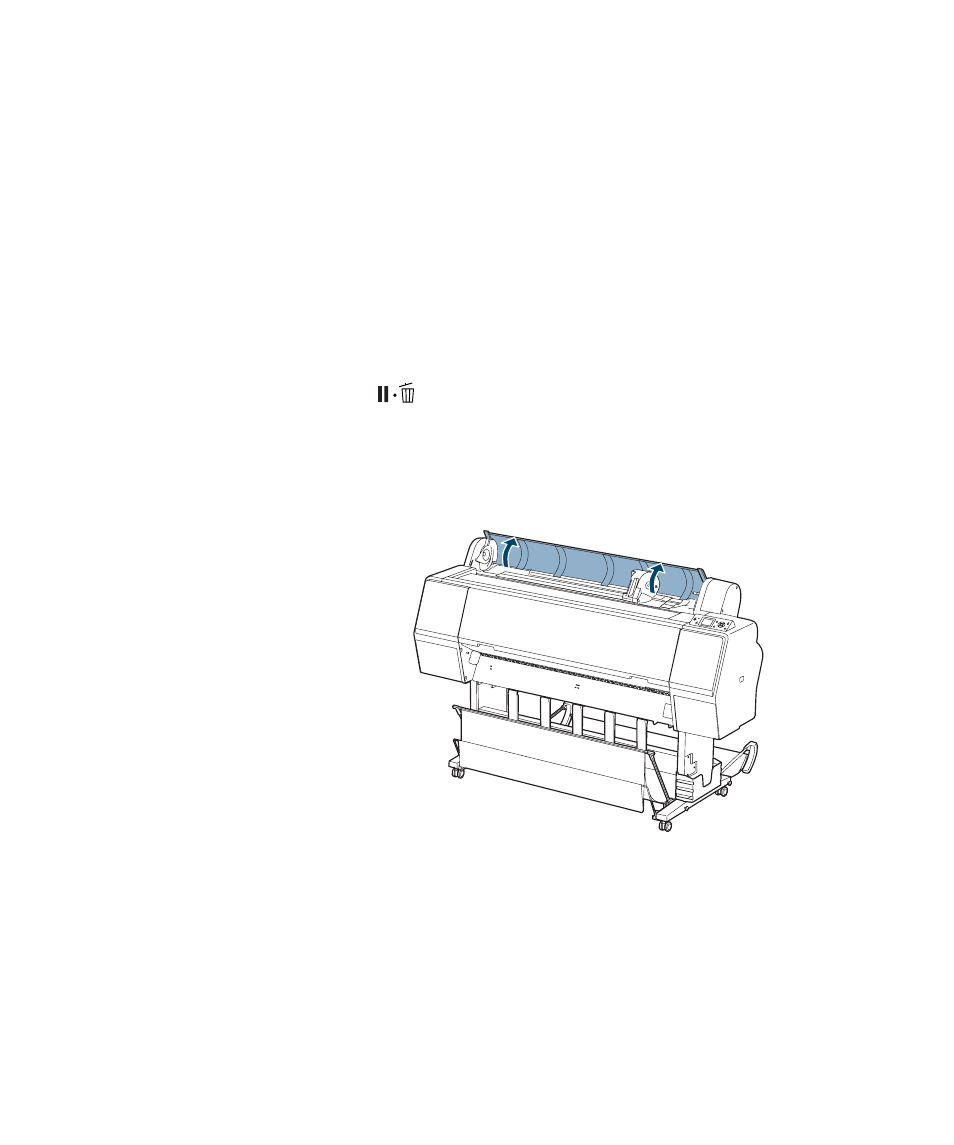
Placing the Paper in the Printer
1. Open the roll paper cover.
Tip: You can use
Maintenance mode to
switch the units of
measurement in the
printer from meters to
feet. See page 172 for
instructions.
See also other documents in the category Epson Printers:
- Stylus Pro 7800 (11 pages)
- Stylus Pro 4000 (49 pages)
- Stylus Photo R300 (2 pages)
- Stylus Pro 7000 (147 pages)
- AcuLaser C3000 (316 pages)
- Stylus Pro 7900 (24 pages)
- Stylus Pro 4450 (21 pages)
- 1000 (272 pages)
- T034120 (4 pages)
- T580300 (4 pages)
- 300 (91 pages)
- B 510DN (190 pages)
- B 510DN (218 pages)
- Stylus NX510 (8 pages)
- Stylus Photo RX580 (95 pages)
- T549300 (4 pages)
- AculaserCX11NF (5 pages)
- B 500DN (168 pages)
- 480SXU (24 pages)
- 4500 (317 pages)
- STYLUS RX500 (99 pages)
- 2100 (13 pages)
- Stylus NX215 (2 pages)
- T098320 (4 pages)
- T041020 (4 pages)
- R210 (8 pages)
- All-In-One Stylus Photo RX600 (164 pages)
- 777I (53 pages)
- T033120 (4 pages)
- Stylus CX7000F (8 pages)
- 60 (113 pages)
- T034220 (4 pages)
- WorkForce 40 Series (36 pages)
- T054220 (4 pages)
- Stylus CX3200 (11 pages)
- Stylus CX7800 (18 pages)
- T060220 (4 pages)
- 2500 (180 pages)
- AcuLaser CX11N (32 pages)
- AcuLaser CX11N (4 pages)
- 2000P (16 pages)
- T606600 (4 pages)
- Stylus CX6000 (18 pages)
- FS-4000DN (2 pages)
- MSDS T544700 (4 pages)