
Installing the software for windows – Epson STYLUS 7900 User Manual
Page 52
52
52
|
Setting Up the Printer
For network connection, click
More Printers
and select a connection,
such as
EPSON TCP/IP
. Select your printer from the list and click
Add
.
You see your printer in the Printer List.
10. Go to page 54 to update your printer firmware, if necessary.
Installing the Software for Windows
Follow these steps to install the software for Windows:
1. Make sure your printer is turned off.
2. Turn on your computer.
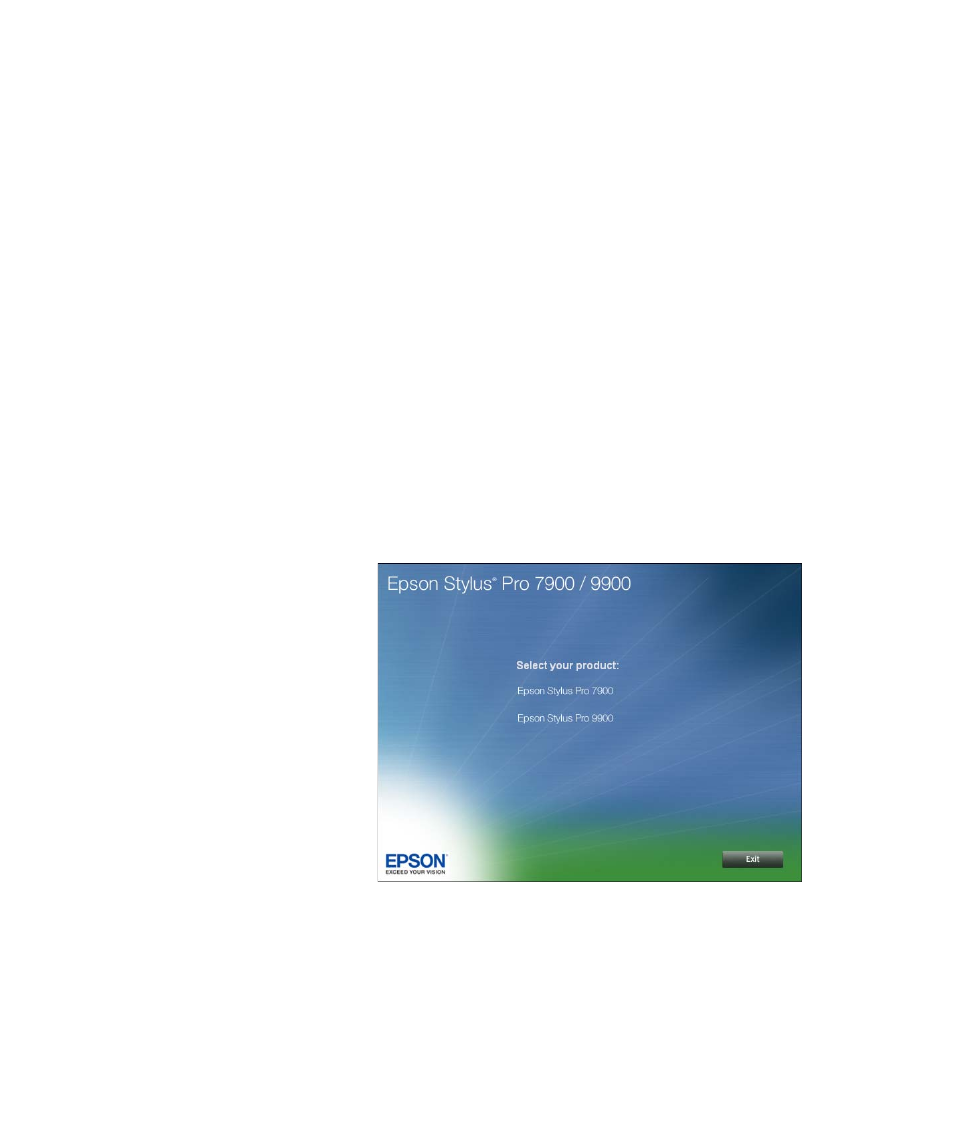
3. Insert the printer software CD-ROM in your computer. The installer
starts automatically.
4. Read the license agreement and click
Agree
. You see this screen:
Note: With Windows
Vista, if you see the
AutoPlay window, click
Run Epsetup.exe. When
you see the User Account
Control screen, click
Continue.
See also other documents in the category Epson Printers:
- Stylus Pro 7800 (11 pages)
- Stylus Pro 4000 (49 pages)
- Stylus Photo R300 (2 pages)
- Stylus Pro 7000 (147 pages)
- AcuLaser C3000 (316 pages)
- Stylus Pro 7900 (24 pages)
- Stylus Pro 4450 (21 pages)
- 1000 (272 pages)
- T034120 (4 pages)
- T580300 (4 pages)
- 300 (91 pages)
- B 510DN (190 pages)
- B 510DN (218 pages)
- Stylus NX510 (8 pages)
- Stylus Photo RX580 (95 pages)
- T549300 (4 pages)
- AculaserCX11NF (5 pages)
- B 500DN (168 pages)
- 480SXU (24 pages)
- 4500 (317 pages)
- STYLUS RX500 (99 pages)
- 2100 (13 pages)
- Stylus NX215 (2 pages)
- T098320 (4 pages)
- T041020 (4 pages)
- R210 (8 pages)
- All-In-One Stylus Photo RX600 (164 pages)
- 777I (53 pages)
- T033120 (4 pages)
- Stylus CX7000F (8 pages)
- 60 (113 pages)
- T034220 (4 pages)
- WorkForce 40 Series (36 pages)
- T054220 (4 pages)
- Stylus CX3200 (11 pages)
- Stylus CX7800 (18 pages)
- T060220 (4 pages)
- 2500 (180 pages)
- AcuLaser CX11N (32 pages)
- AcuLaser CX11N (4 pages)
- 2000P (16 pages)
- T606600 (4 pages)
- Stylus CX6000 (18 pages)
- FS-4000DN (2 pages)
- MSDS T544700 (4 pages)