
Windows printing with a color profile, Setting up photoshop and assigning a profile – Epson STYLUS 7900 User Manual
Page 155
155
Managing Color With Profiles
|
155
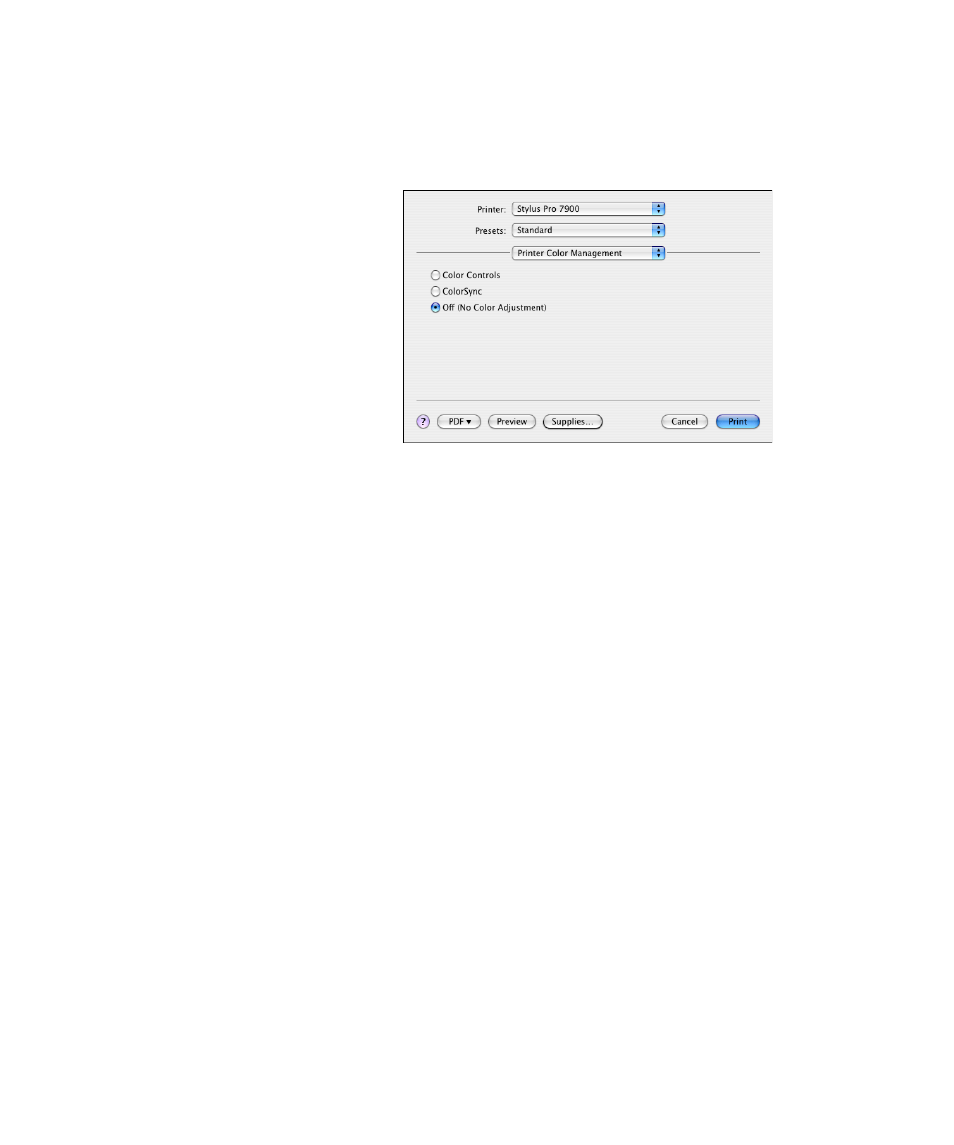
For Mac OS X 10.4, select
Printer Color Management
, then select
Off
(No Color Adjustment)
.
5. Click
to print your photo.
Windows Printing With a Color Profile
First you set up your color management environment in Photoshop and
assign a profile to your image, then you select your print settings and print.
Setting Up Photoshop and Assigning a Profile
1. Open Adobe Photoshop.
2. Select
Color Settings
from the
Edit
menu.
Note: Make sure that you
select Off (No Color
Adjustment) or Off (No
Color Management). If
you don’t, the printer
driver will apply additional
correction to the image
data, producing
inaccurate results.
If you selected the wrong
combination of source
profile, printer profile, and
color management
settings, you’ll get
unexpected results.
- Stylus Pro 7800 (11 pages)
- Stylus Pro 4000 (49 pages)
- Stylus Photo R300 (2 pages)
- Stylus Pro 7000 (147 pages)
- AcuLaser C3000 (316 pages)
- Stylus Pro 7900 (24 pages)
- Stylus Pro 4450 (21 pages)
- 1000 (272 pages)
- T034120 (4 pages)
- T580300 (4 pages)
- 300 (91 pages)
- B 510DN (190 pages)
- B 510DN (218 pages)
- Stylus NX510 (8 pages)
- Stylus Photo RX580 (95 pages)
- T549300 (4 pages)
- AculaserCX11NF (5 pages)
- B 500DN (168 pages)
- 480SXU (24 pages)
- 4500 (317 pages)
- STYLUS RX500 (99 pages)
- 2100 (13 pages)
- Stylus NX215 (2 pages)
- T098320 (4 pages)
- T041020 (4 pages)
- R210 (8 pages)
- All-In-One Stylus Photo RX600 (164 pages)
- 777I (53 pages)
- T033120 (4 pages)
- Stylus CX7000F (8 pages)
- 60 (113 pages)
- T034220 (4 pages)
- WorkForce 40 Series (36 pages)
- T054220 (4 pages)
- Stylus CX3200 (11 pages)
- Stylus CX7800 (18 pages)
- T060220 (4 pages)
- 2500 (180 pages)
- AcuLaser CX11N (32 pages)
- AcuLaser CX11N (4 pages)
- 2000P (16 pages)
- T606600 (4 pages)
- Stylus CX6000 (18 pages)
- FS-4000DN (2 pages)
- MSDS T544700 (4 pages)