
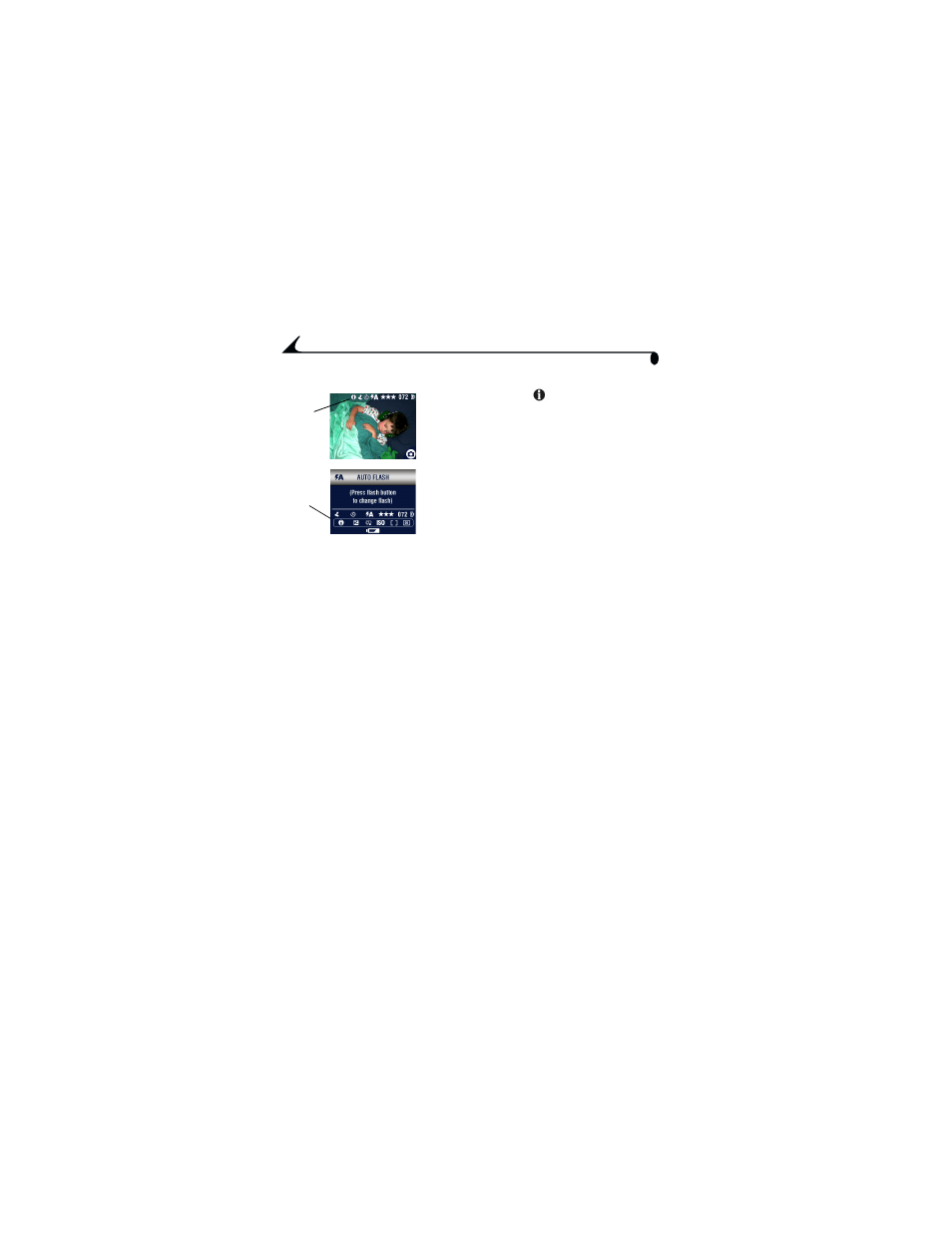
Other flash screen information – Kodak LS633 User Manual
Page 36
See also other documents in the category Kodak Cameras:
- LS753 (73 pages)
- LS753 (64 pages)
- DX7590 (82 pages)
- CX7220 (72 pages)
- CX7220 (60 pages)
- C533 EN (67 pages)
- CX7330 (61 pages)
- LS443 (122 pages)
- Z760 (91 pages)
- Z760 (79 pages)
- DX3900 (105 pages)
- Z700 (78 pages)
- CD40 (79 pages)
- Z7590 (118 pages)
- Z7590 (104 pages)
- Z612 (101 pages)
- Z612 (90 pages)
- DC3400 (156 pages)
- CX4200 (106 pages)
- Z650 (94 pages)
- Z650 (77 pages)
- DX7440 (67 pages)
- LS755 (83 pages)
- LS755 (80 pages)
- V610 (106 pages)
- V610 (87 pages)
- Z740 (70 pages)
- CX7530 (83 pages)
- CX7530 (66 pages)
- CX7530 (67 pages)
- CX7525 (83 pages)
- CX7525 (66 pages)
- V530 (95 pages)
- V530 (73 pages)
- C643 (83 pages)
- EASYSHARE C603 (72 pages)
- C340 (74 pages)
- EasyShare C340 (74 pages)
- C340 (83 pages)
- V603 (91 pages)
- V603 (76 pages)
- DX3500 (92 pages)
- EasyShare C663 (74 pages)
- C663 (85 pages)
- Z730 (97 pages)