
NISSAN 2008 Altima Sedan User Manual
Page 30
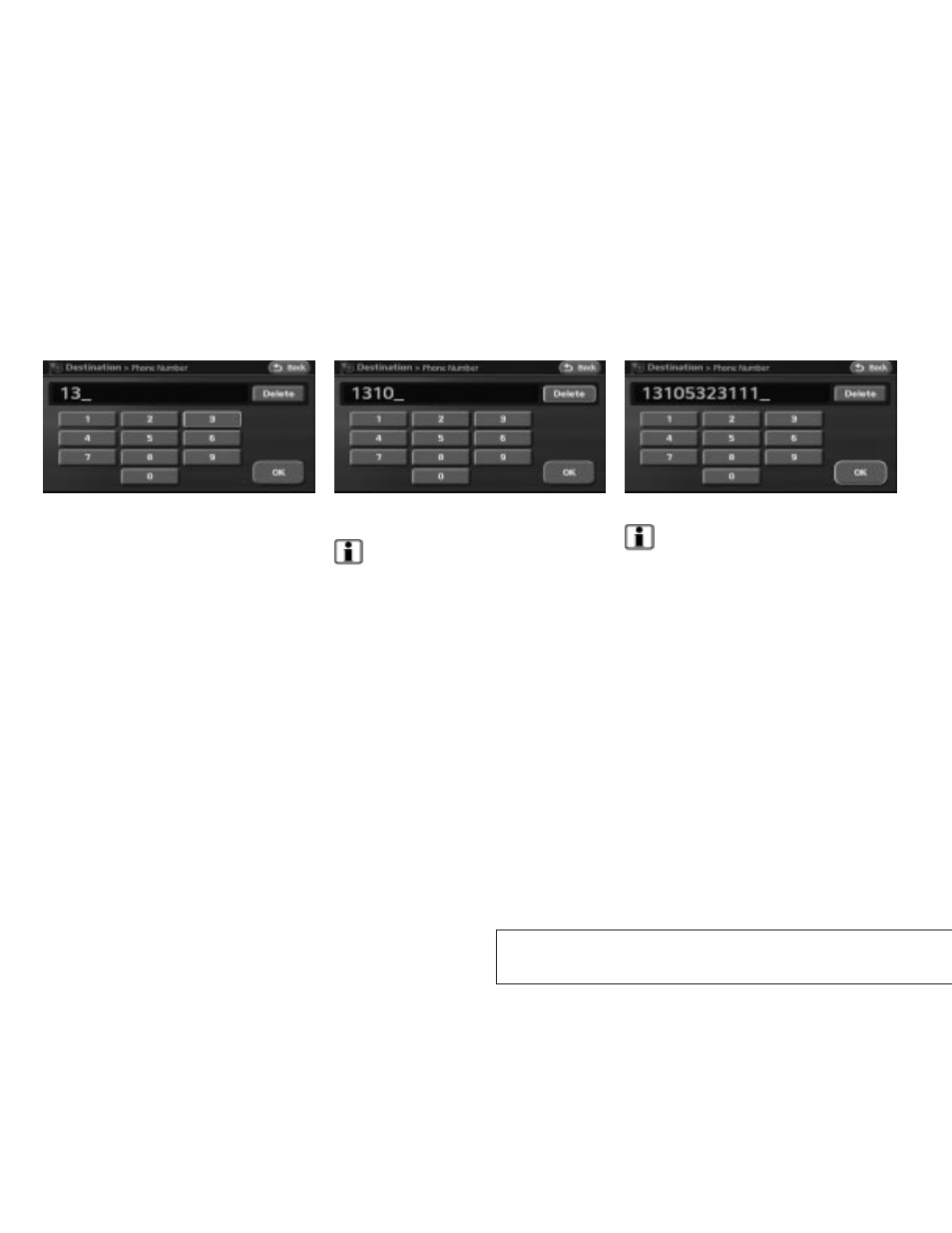
2. The numbers are entered on the screen.
3. Touch the “Delete” key to delete the last
number entered.
INFO:
Touch and hold the “Delete” key for approxi-
mately 2 seconds, to delete all numbers entered.
Touch the “Back” key to delete all the numbers
entered and return to the previous screen.
4. After finishing the entry, touch the “OK” key.
INFO:
You can touch the “Back” key to return to the
previous screen at any time.
LNV0096
LNV0097
LNV0098
2-24
Getting started
੬
REVIEW COPY—
2008 Altima (alt)
Navigation System OM—USA_English (nna)
03/06/07—arosenma
੭
This manual is related to the following products: