
Televes HD DTT Receiver User Manual
Page 13
13
EN
6.6. Teletext
The ZAS HD allows you to select all the teletext services
provided by the service provider..
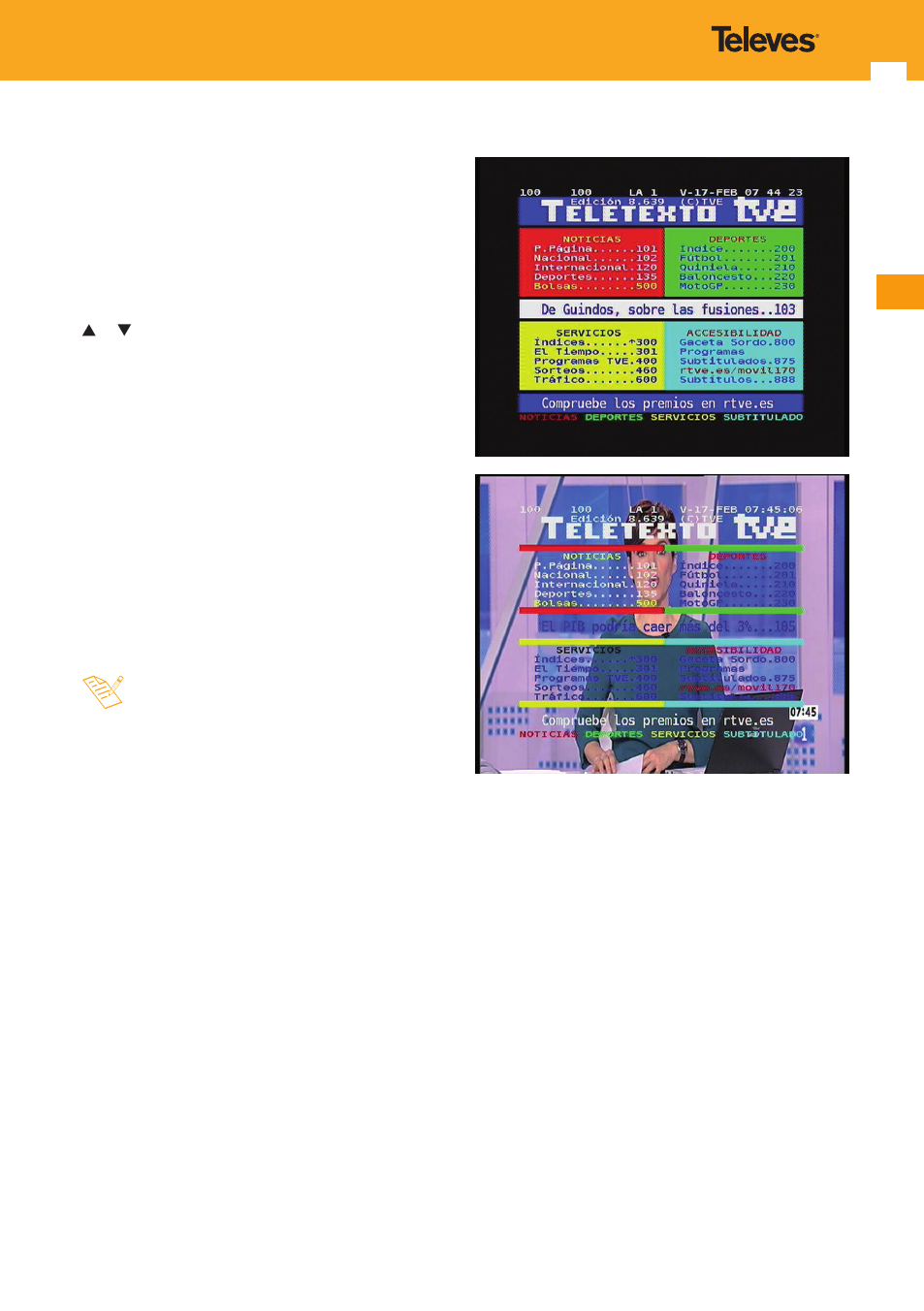
- Press the TXT key on the remote control to activate the
Teletext.
- Pressing the TXT key again makes the background
transparent to enable seeing the image at the same time
as the Teletext.
- The teletext services are visualised habitually. Use the keys
or to move forward or backwards page by page, or
enter the page number directly with the numeric key.
- On pages with automatic forward function, press the OK
key to detain the forward function and see the page for
longer. “=” is shown next to the page number. Press this
key again to move forward.
- The ZAS HD remote control has coloured keys to facilitate
quick access to Teletext pages.
- Even if your TV is not fitted with a Teletext decoder, you
can view it on the screen, as the ZAS HD generates it
automatically.
- To exit Teletext press the TXT key until it disappears from
the screen.
- If you are using the TimeShift function or you are
viewing a programme previously recorded on the
hard drive, the Teletext will not be available.