
Dream Property DM7020 HD User Manual
Page 48
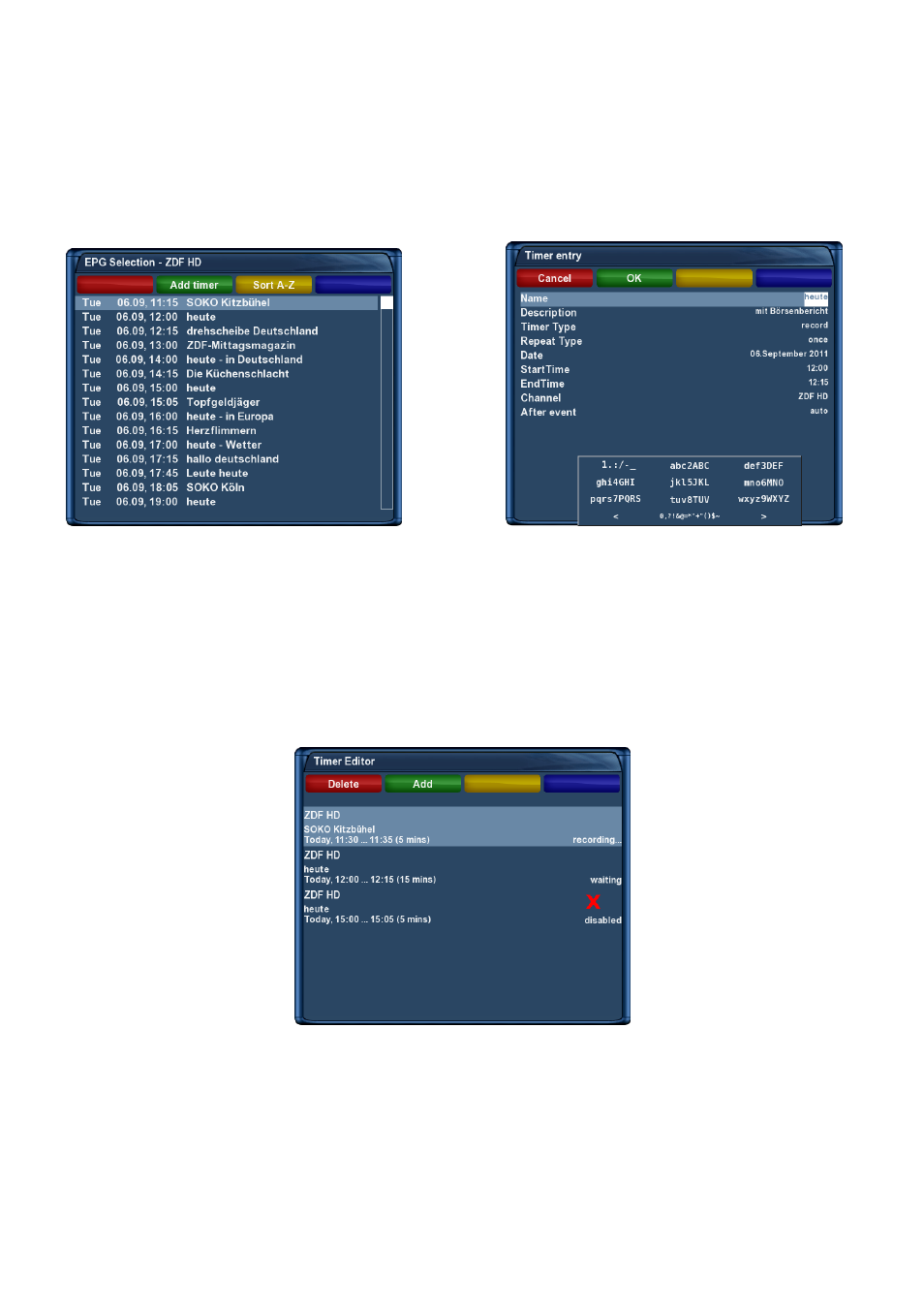
Programming via EPG
Change into on of the EPG views in chapter (as described in Chapter
Electronic Program Guide -
EPG
on page
). By pressing the green Options-Button you have the option to automatically add the
selected show with it’s start and end time as a timer. All other options are the same as in the manually
added timer. Press the green Options-Button to save the timer. You will be taken to the “Timer Editor”
menu.
Choose service which you want to record
fill text
Timereditor
1. Press the Menu-Button to open the main OSD menu.
2. With the Navigation-Buttons (
) choose the option “Timer” and press the OK-Button.
Timerlist
Pressing the red Options-Button will delete a timer. The green Options-Button adds a timer, the
yellow Options-Button
toggles active on and off (only possible in waiting status) and the blue Options-
Button
removes finished timers from the list.
With the Navigation-Buttons (
) choose an existing timer and press the OK-Button to edit.
43