
Change settings quickly – Nokia 309 User Manual
Page 16
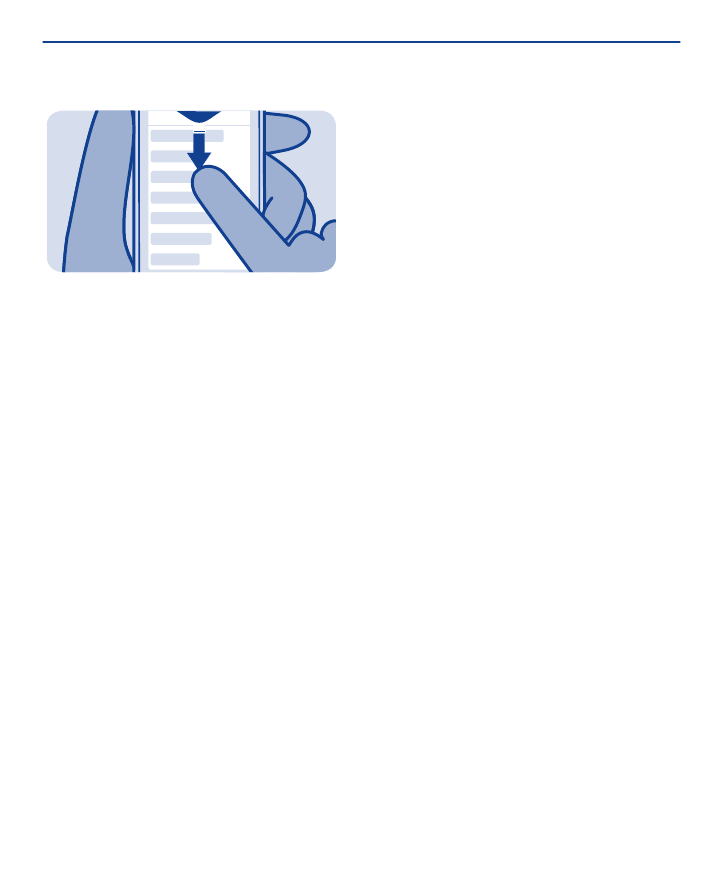
Change settings quickly
Rather than going into the phone menus, in most views, you can
quickly change some settings by swiping down from the top of the
screen.
You can:
• See if you have missed calls or unread messages
• Change the profile, for example, to silence your phone
• Open the music player, for example, to pause the currently playing
song
• Open or close mobile data internet connections
• Check for Wi-Fi networks, and connect to them
• Switch Bluetooth on or off
16
See also other documents in the category Nokia Mobile Phones:
- 5510 (102 pages)
- 2310 (63 pages)
- 2310 (58 pages)
- 3660 (17 pages)
- 3660 (157 pages)
- N78 (368 pages)
- 5210 (106 pages)
- Nokia 1112 (56 pages)
- 7210 (185 pages)
- 2600 (2 pages)
- 2600 (185 pages)
- 2600 (66 pages)
- 6700 Slide (56 pages)
- 3510 (30 pages)
- 2100 (63 pages)
- 7020 (74 pages)
- 6300 (80 pages)
- E61i (241 pages)
- N97 (130 pages)
- N97 (357 pages)
- N71 (115 pages)
- 6510 (4 pages)
- 6670 (321 pages)
- N900 (283 pages)
- 2760 (99 pages)
- 2760 (69 pages)
- 9110i (26 pages)
- 8600 Luna (201 pages)
- 1616 (28 pages)
- 1616 EN (17 pages)
- 3109 (86 pages)
- E72 (150 pages)
- 9500 (112 pages)
- 3250 (2 pages)
- N72 (121 pages)
- XPRESSMUSIC 5220 (56 pages)
- 7370 (2 pages)
- 7370 (201 pages)
- 6170 (209 pages)
- E63 (143 pages)
- C3-00 (44 pages)
- 7610 (161 pages)
- 6310i (161 pages)
- 1280 (34 pages)
- 2690 (90 pages)