
Copying documents – Epson RX580 User Manual
Page 14
14
Copying a Photo or Document
Copying Documents
You can copy documents in color or black and white, using plain paper or a variety
of Epson papers for special projects.
1. Make sure the RX580 is turned on.
2. Place your document on the glass as described on page 12. Be sure to close the
document cover.
3. Load up to 120 sheets of plain paper or 20 sheets of specialty paper, as
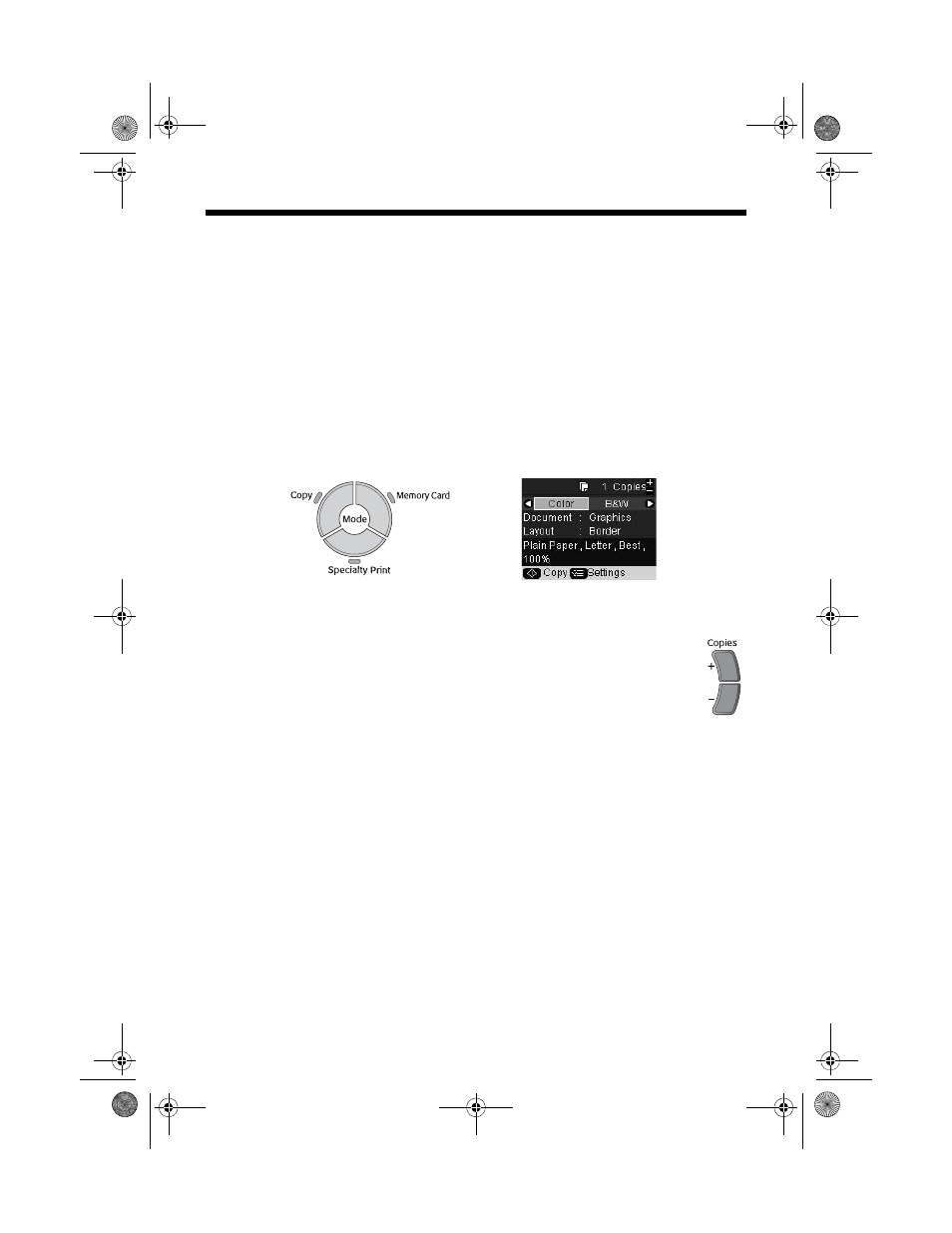
4. Press the
Copy
mode button.
5. Press l or r to choose
Color
or
B&W
.
6. If you want more than one copy, press the
Copies +
button to select
the number you want.
7. If you want to resize your copy, print on special paper, or adjust other
8. Press the x
Start
button to start copying.
If you need to cancel copying, press the y
Stop/Clear Settings
button. Do not
pull out paper that is being printed; it will be ejected automatically to the front
tray.
Note:
The copies may not be exactly the same size as the original.
RX580.book Page 14 Thursday, July 27, 2006 4:04 PM
- Stylus Pro 7800 (11 pages)
- Stylus Pro 4000 (49 pages)
- Stylus Photo R300 (2 pages)
- Stylus Pro 7000 (147 pages)
- AcuLaser C3000 (316 pages)
- Stylus Pro 7900 (24 pages)
- Stylus Pro 4450 (21 pages)
- 1000 (272 pages)
- T034120 (4 pages)
- T580300 (4 pages)
- 300 (91 pages)
- B 510DN (190 pages)
- B 510DN (218 pages)
- Stylus NX510 (8 pages)
- Stylus Photo RX580 (95 pages)
- T549300 (4 pages)
- B 500DN (168 pages)
- AculaserCX11NF (5 pages)
- 480SXU (24 pages)
- 4500 (317 pages)
- STYLUS RX500 (99 pages)
- 2100 (13 pages)
- Stylus NX215 (2 pages)
- T098320 (4 pages)
- T041020 (4 pages)
- R210 (8 pages)
- All-In-One Stylus Photo RX600 (164 pages)
- 777I (53 pages)
- T033120 (4 pages)
- Stylus CX7000F (8 pages)
- 60 (113 pages)
- T034220 (4 pages)
- WorkForce 40 Series (36 pages)
- T054220 (4 pages)
- Stylus CX3200 (11 pages)
- Stylus CX7800 (18 pages)
- T060220 (4 pages)
- 2500 (180 pages)
- AcuLaser CX11N (4 pages)
- AcuLaser CX11N (32 pages)
- 2000P (16 pages)
- T606600 (4 pages)
- Stylus CX6000 (18 pages)
- FS-4000DN (2 pages)
- MSDS T544700 (4 pages)