
Accessing epson status monitor 3 – Epson DFX-9000 User Manual
Page 63
Printer Software
63
3
3
3
3
3
3
3
3
3
3
3
3
Note:
Click the Default button to revert all items to the default settings.
Accessing EPSON Status Monitor 3
Do one of the following to access EPSON Status Monitor 3;
❏ Double-click the printer-shaped shortcut icon on the taskbar.
To add a shortcut icon to the taskbar, go to the Utility menu
and follow the instructions.
❏ Open the Utility menu, then click the EPSON Status Monitor
3 icon. To find out how to open the Utility menu, See “Using
the Printer Driver with Windows Me, 98, and 95” on page 47
or “Using the Printer Driver with Windows XP, 2000, and
Windows NT 4.0” on page 52.
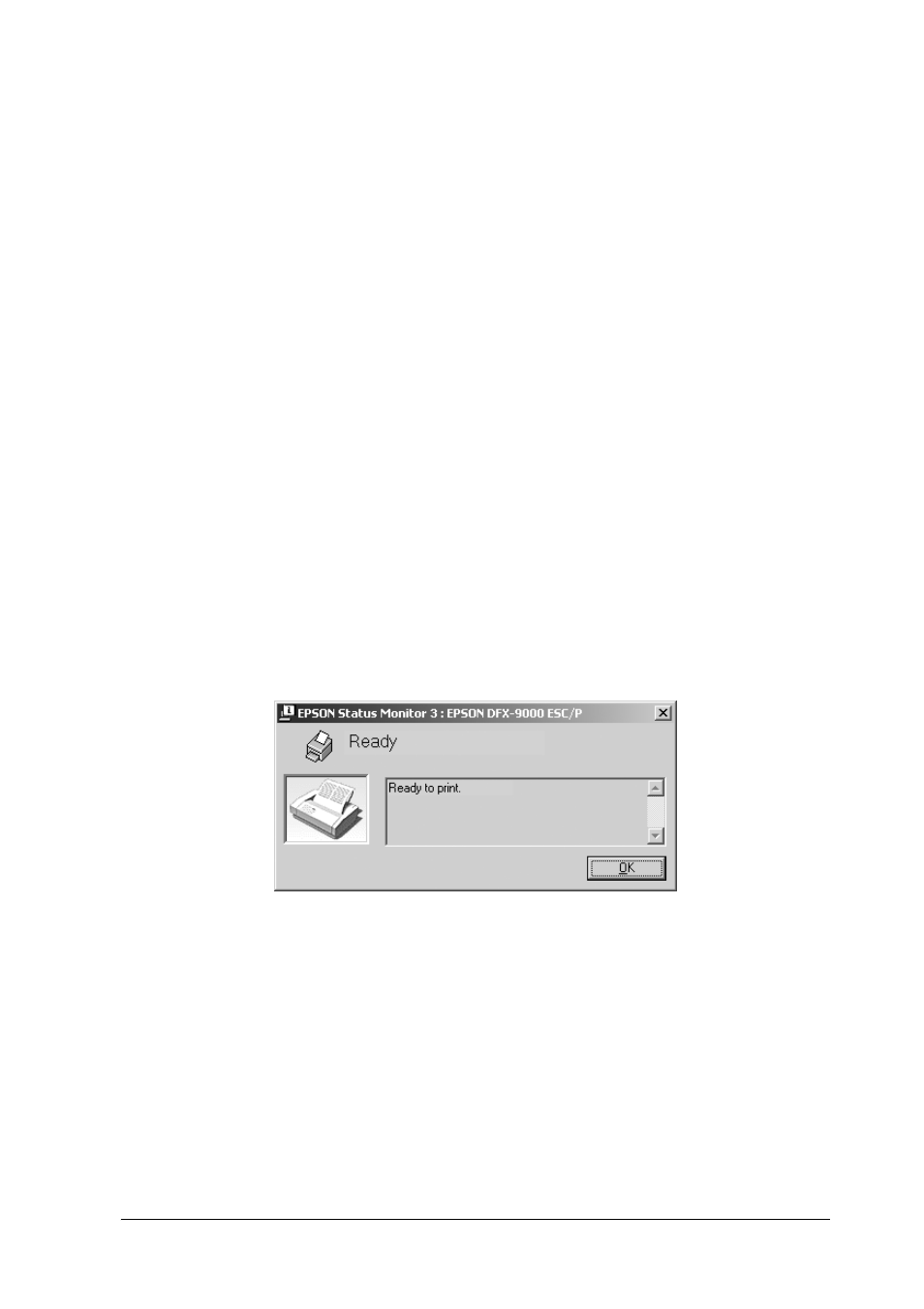
When you access EPSON Status Monitor 3 as described above, the
following printer status window appears.
You can view printer status information in this window.
- Stylus Pro 7800 (11 pages)
- Stylus Pro 4000 (49 pages)
- Stylus Photo R300 (2 pages)
- Stylus Pro 7000 (147 pages)
- AcuLaser C3000 (316 pages)
- Stylus Pro 7900 (24 pages)
- Stylus Pro 4450 (21 pages)
- 1000 (272 pages)
- T034120 (4 pages)
- T580300 (4 pages)
- 300 (91 pages)
- B 510DN (190 pages)
- B 510DN (218 pages)
- Stylus NX510 (8 pages)
- Stylus Photo RX580 (95 pages)
- T549300 (4 pages)
- AculaserCX11NF (5 pages)
- B 500DN (168 pages)
- 480SXU (24 pages)
- 4500 (317 pages)
- STYLUS RX500 (99 pages)
- 2100 (13 pages)
- Stylus NX215 (2 pages)
- T098320 (4 pages)
- T041020 (4 pages)
- R210 (8 pages)
- All-In-One Stylus Photo RX600 (164 pages)
- 777I (53 pages)
- T033120 (4 pages)
- Stylus CX7000F (8 pages)
- 60 (113 pages)
- T034220 (4 pages)
- WorkForce 40 Series (36 pages)
- T054220 (4 pages)
- Stylus CX3200 (11 pages)
- Stylus CX7800 (18 pages)
- T060220 (4 pages)
- 2500 (180 pages)
- AcuLaser CX11N (32 pages)
- AcuLaser CX11N (4 pages)
- 2000P (16 pages)
- T606600 (4 pages)
- Stylus CX6000 (18 pages)
- FS-4000DN (2 pages)
- MSDS T544700 (4 pages)