
Connection 16, Video devices, Audio cable video cable – BenQ PB2250 User Manual
Page 20
Connection
16
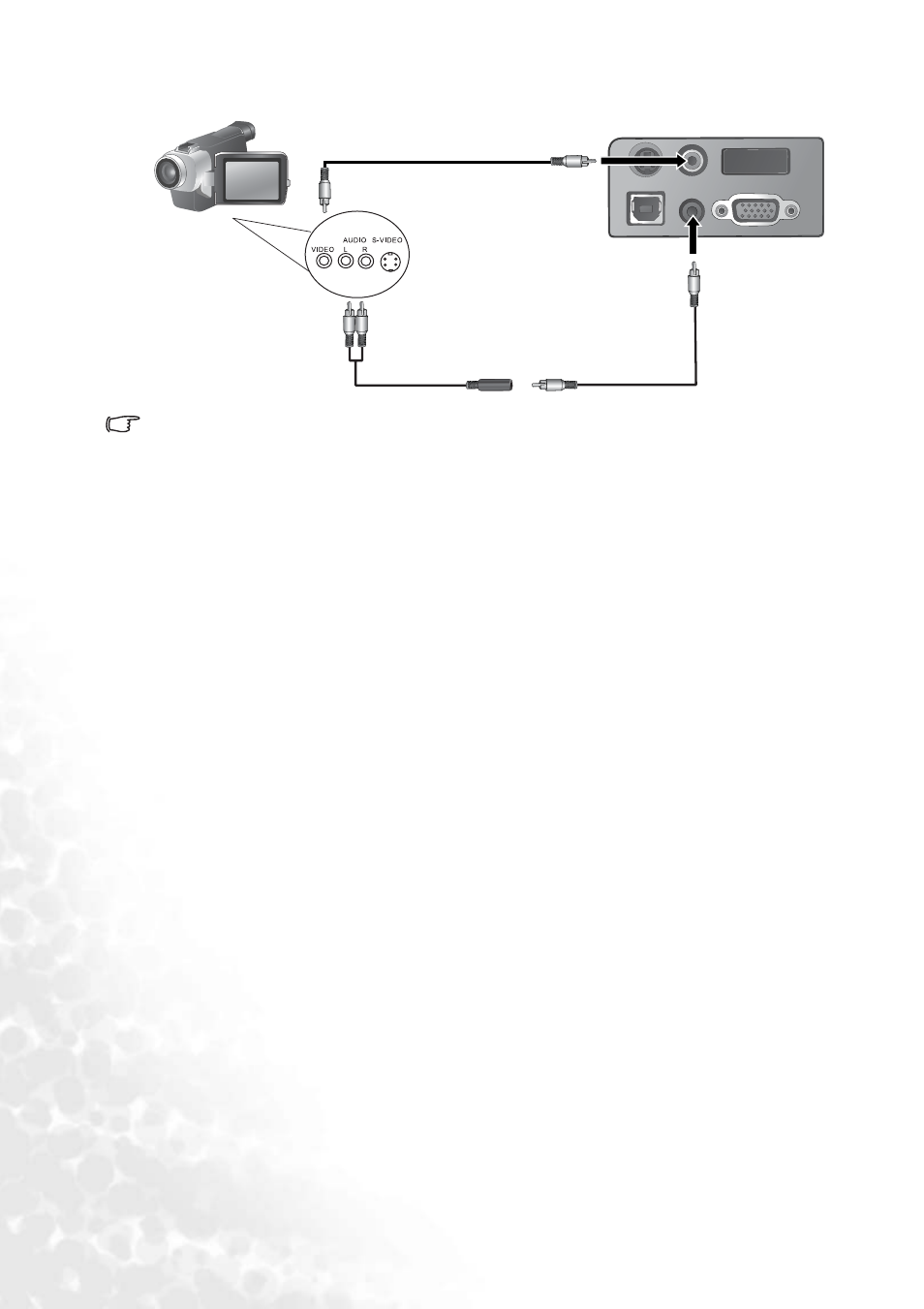
If the selected video image is not displayed after the projector is turned on and the correct
video source has been selected, check that the video source is turned on and operating
correctly. Also check that the signal cables have been connected correctly.
S-Video
Video
Audio
D-Sub
USB
Audio cable
Video cable
Video devices
See also other documents in the category BenQ Projectors:
- MP513 (59 pages)
- MP721/721c (2 pages)
- W10000/W9000 (36 pages)
- SP920 (56 pages)
- PB8230 (38 pages)
- PB2140 (46 pages)
- PB2220 (34 pages)
- PB6240 (46 pages)
- DX/S660 (33 pages)
- PB8250 (53 pages)
- MP610 (55 pages)
- W100 (47 pages)
- MP770 (1 page)
- DLP PROJECTOR PE8700 (97 pages)
- MP515 (68 pages)
- CP120C (56 pages)
- CP220 (55 pages)
- PB8260 (53 pages)
- W5000 (53 pages)
- MP511 (60 pages)
- PE6800 (33 pages)
- PB6100 (122 pages)
- PB6210 (48 pages)
- PB8240 (56 pages)
- MP723 (66 pages)
- PB7230 (44 pages)
- PB2140/PB2240 (44 pages)
- DIGITAL PROJECTOR MX711 (2 pages)
- PE8720 (36 pages)
- MP512 ST (62 pages)
- MP720 (1 page)
- MP620 (61 pages)
- CP120 (66 pages)
- PB6110 (47 pages)
- Digital Projector MX613ST (68 pages)
- PE8700 (27 pages)
- PB8220 (34 pages)
- MP623 (62 pages)
- PE5120 (35 pages)
- MP730 (68 pages)
- W500 (54 pages)
- MP611 (60 pages)
- PB7200 (38 pages)
- PB2120 (34 pages)