
Selecting input signal – Palsonic 5125PF User Manual
Page 15
5
3
2
1
7
DSP
AV
9
8
6
0
4
SCAN
SLP
CAL
GAME
P.M
Selecting Input Signal
12
Selecting Input Signal
Operations
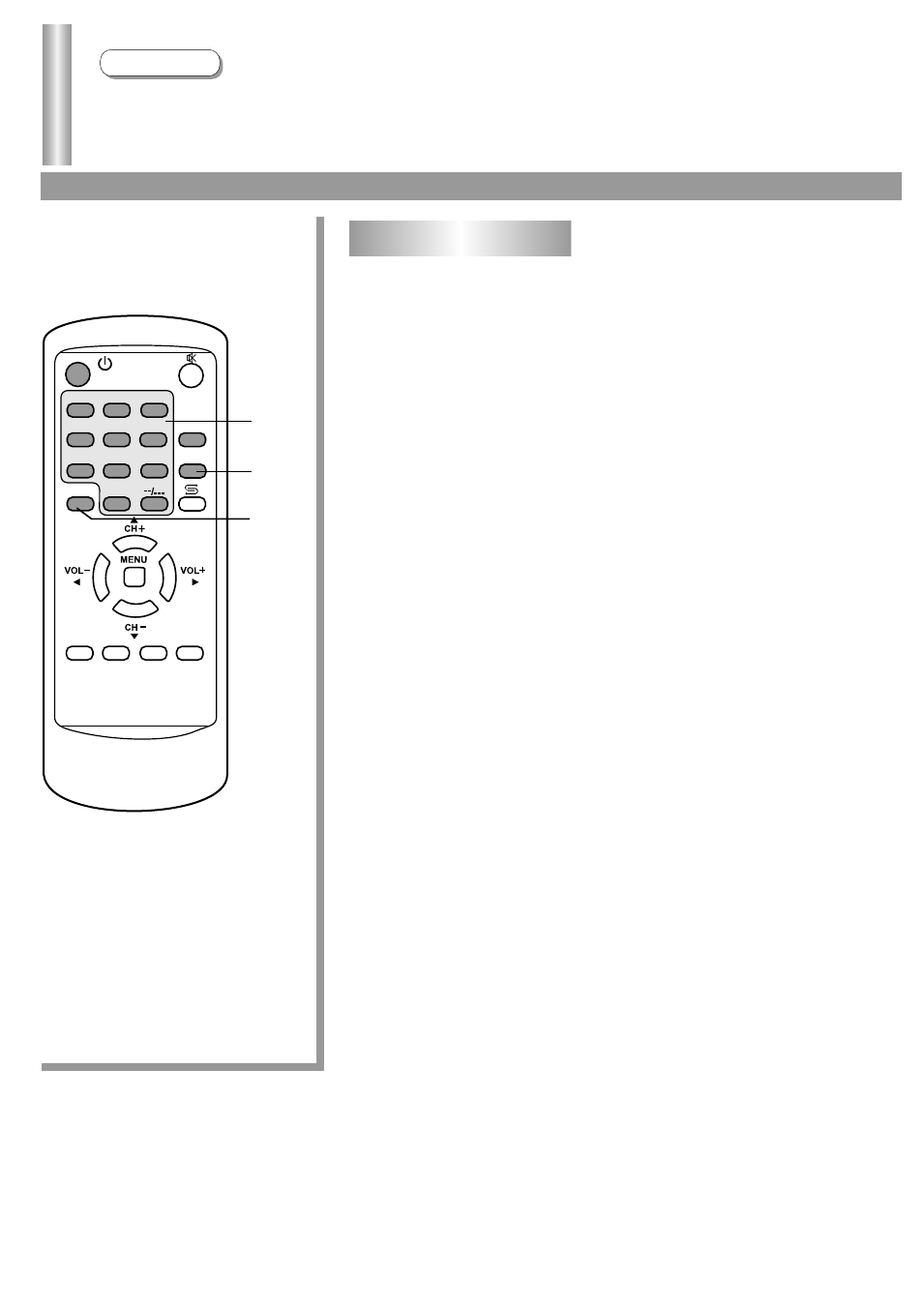
Press AV button repeatedly. The screen displays input
signal source AV1/AV2/YUV/TV. Select the input signal
source you need.
In AV mode, you can press the digit buttons to switch
back to TV mode.
Press DSP button. The screen displays current state.
Press again to cancel.
1
2
3
Digit
DSP
AV
See also other documents in the category Palsonic Televisions:
- 3400 (19 pages)
- 4910 (19 pages)
- 6138 (18 pages)
- HDMI TFTV812A (33 pages)
- 3430GM (29 pages)
- 6840TS (30 pages)
- 5159P (19 pages)
- PDP4290HD (32 pages)
- 3499P (19 pages)
- 7128G (25 pages)
- TFTV-201 (33 pages)
- 7610WSPF (33 pages)
- 6820PF (25 pages)
- 5179G (24 pages)
- 5180G (28 pages)
- 5140TS (30 pages)
- 8110 (25 pages)
- TFTV-430 (43 pages)
- TFTV580 (25 pages)
- TFTV490PBHD (1 page)
- 3410P (19 pages)
- 5159G (24 pages)
- PDP3280HD (36 pages)
- 6160G (25 pages)
- 8010PF (23 pages)
- N111 PDP4250 (41 pages)
- 6823G (25 pages)
- 3499G (31 pages)
- PDP 5000 (41 pages)
- 6850PF (26 pages)
- 6159 (20 pages)
- N111 TFTV553LEDR (40 pages)
- TFTV558HD (1 page)
- TFTV388HD (1 page)
- 5155PF (1 page)
- TFTV325FL (40 pages)
- 6845PFST (33 pages)
- 5169P (19 pages)
- 5110PF (20 pages)
- 6159G (25 pages)
- 5169 (19 pages)
- 6158 (21 pages)
- PDP4225HD (37 pages)
- 3490 (18 pages)