
Edimax Technology PS-1206PWg User Manual
Page 48
38
3.6.2 Windows XP
1. The following “Add Printer” steps are running in
Windows XP, the steps in other Operating Systems
such as Windows 98SE/Me/2000 are similar.
2. Click “Start”, choose “Settings” and select “Printers and
Faxes”.
3. Click “Add a Printer”.
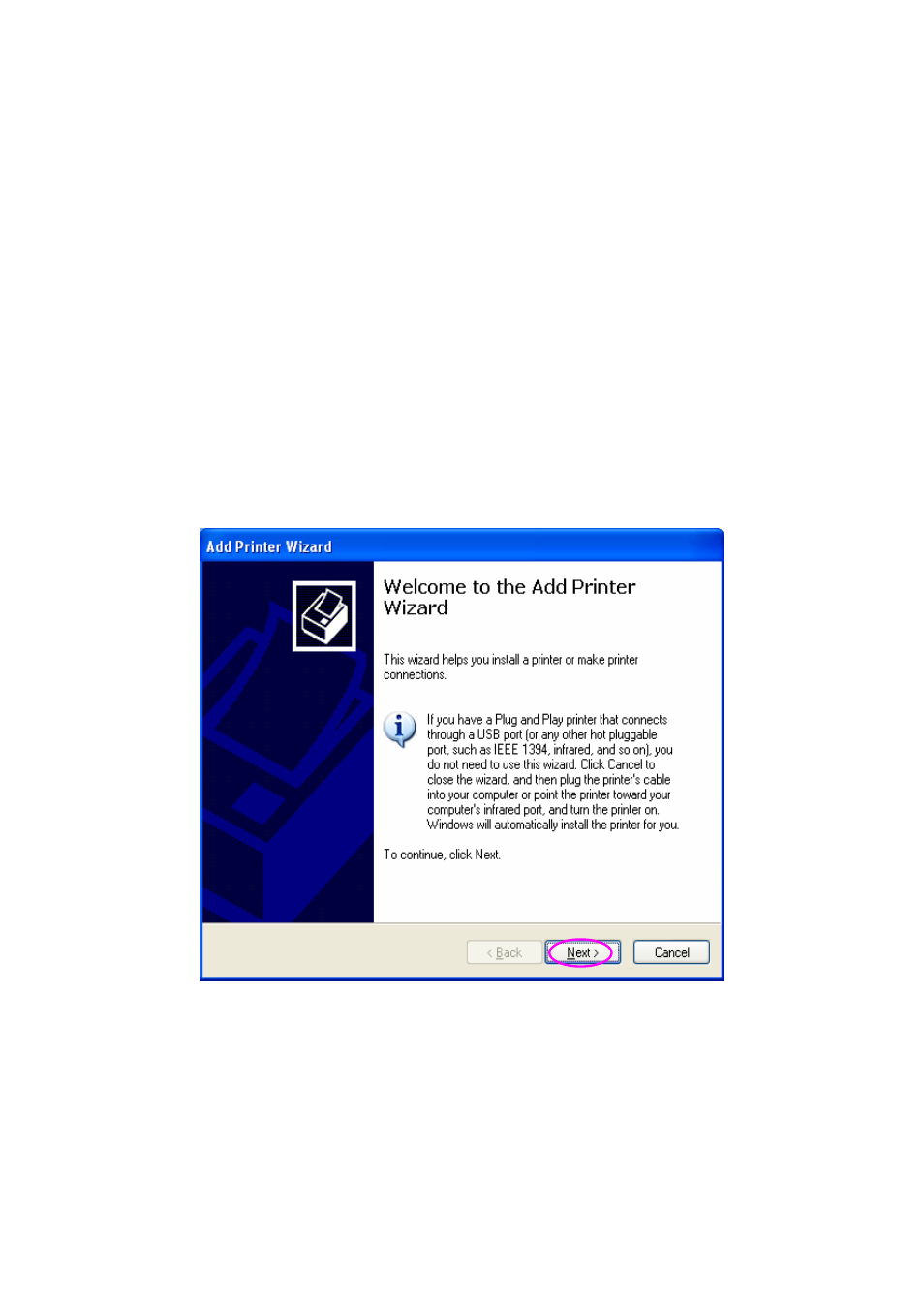
4. The “Add Printer Wizard” is displayed. Click “Next”.
This manual is related to the following products: