
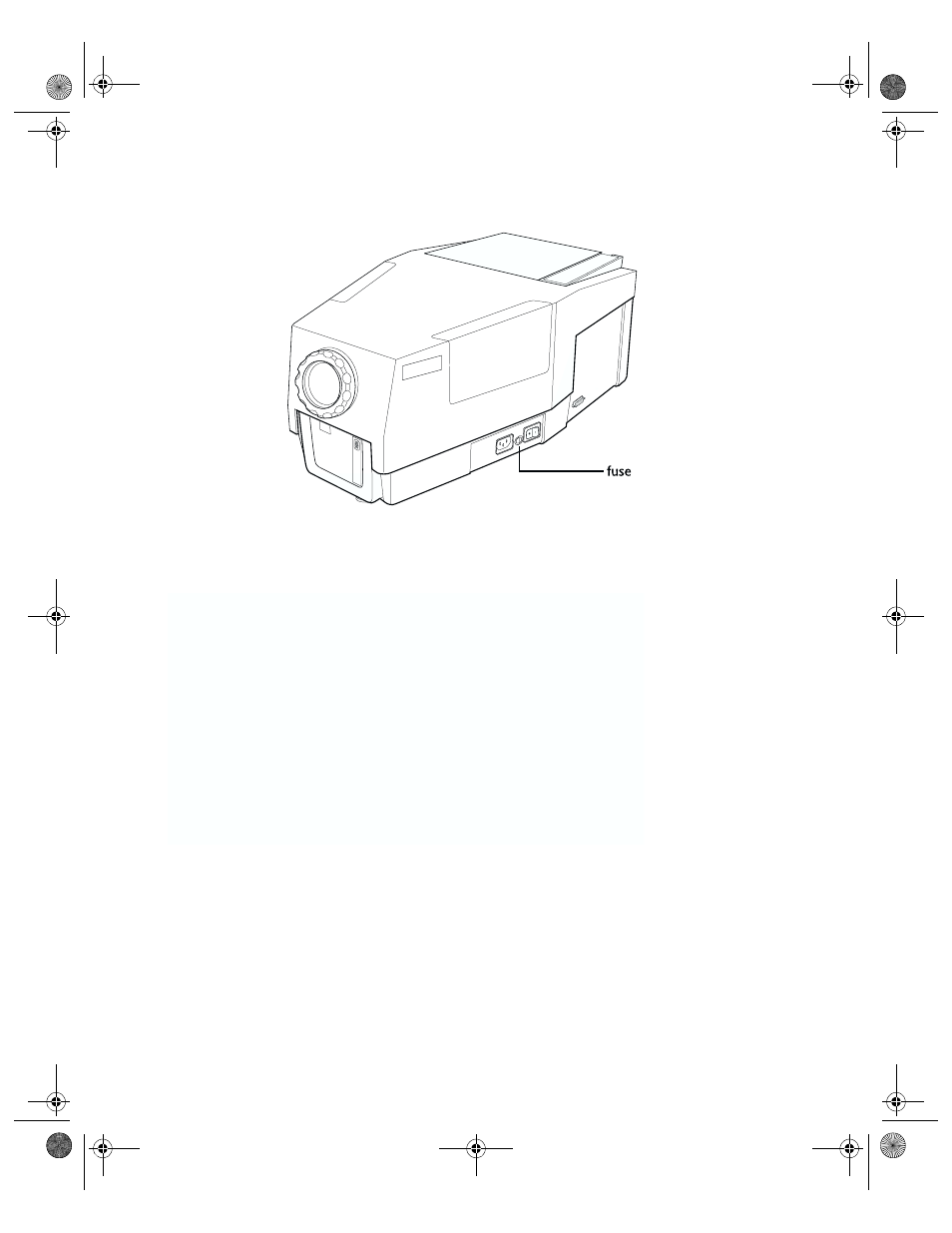
Pull the fuse holder out of the litepro, Remove the blown fuse from the fuse holder – InFocus 760 User Manual
Page 41
Maintenance
32
LitePro 760 User’s Guide
5. Using a small coin or a flat blade screwdriver, turn the fuse
holder a quarter turn in the clockwise direction.
6. Pull the fuse holder out of the LitePro.
7. Remove the blown fuse from the fuse holder.
8. Push the new fuse into the clips of the holder until it is securely
seated.
Osprey.bk Page 32 Monday, December 11, 2000 1:38 PM
See also other documents in the category InFocus Projectors:
- IN10 (8 pages)
- IN5122 (89 pages)
- IN34 (4 pages)
- SP-CEIL-004 (3 pages)
- in32 in34 (8 pages)
- IN100 (55 pages)
- IN2106 (8 pages)
- X2 (49 pages)
- X3 (1 page)
- 570 (72 pages)
- C250 (39 pages)
- IN74 (54 pages)
- LP 540 (4 pages)
- LP 420TM (4 pages)
- IN3116 (46 pages)
- IN114 (35 pages)
- IN42 (4 pages)
- IN3106 (39 pages)
- X1 (50 pages)
- X1 (49 pages)
- X6 (37 pages)
- C300 (4 pages)
- liquid crystal (26 pages)
- DP8500x (61 pages)
- DP8000 (4 pages)
- INTEGRATION LP850 (60 pages)
- DISPLAY LINK IN3108 (8 pages)
- IN20 (41 pages)
- X9 (37 pages)
- C85 (12 pages)
- 5700 (43 pages)
- XGA multimedia projector LP930 (77 pages)
- IN20 Series (8 pages)
- LP 120 (3 pages)
- IN82 (39 pages)
- C40/C50 (4 pages)
- DISPLAY LINK IN3904LB (51 pages)
- X3 (50 pages)
- IN35 (8 pages)
- 4800 (2 pages)
- Play Big IN82 (39 pages)
- IN24 (8 pages)
- IN1500 P1501 (8 pages)
- SP-CEIL-010 (5 pages)