
Tools menu – Holux GM-120 User Manual
Page 58
51
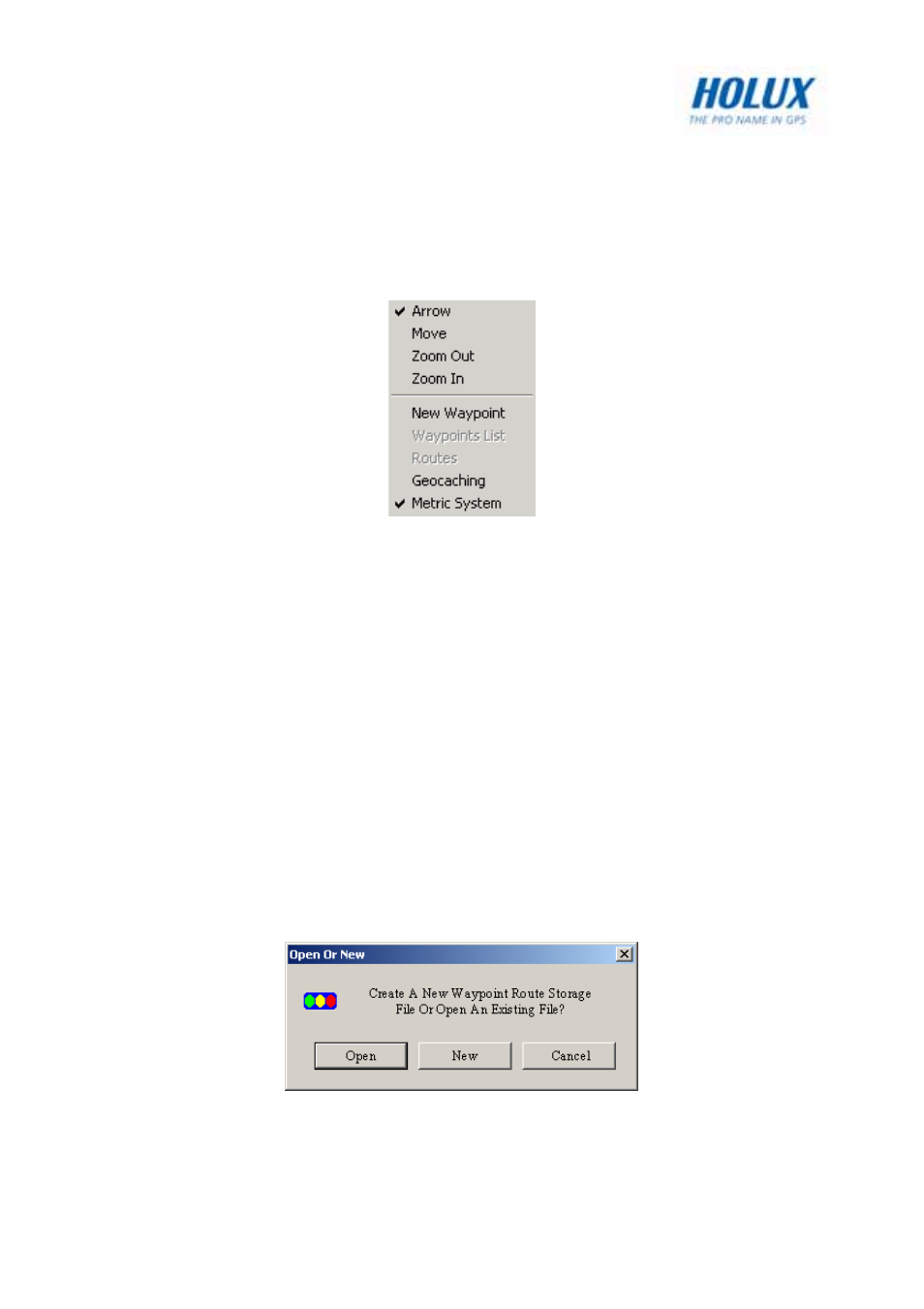
Tools Menu
The Tools menu enables you to view the map, move across the map,
search for locations, and so on.
• Arrow – Cursor becomes an arrow. Move the cursor to a road or
point of interest to view information about it.
• Move – Cursor becomes a hand and allows you to pan across the
map. Press the left mouse button to drag and move the map. The
cursor turns into a closed fist when the left mouse button is
pressed.
• Zoom out – Cursor changes to a magnifier with a minus (–) sign in
the center. Click to zoom out and view a larger area of the map.
• Zoom in – Cursor changes to a magnifier with a plus (+) sign in the
center. Click to zoom in and view more details of the map.
• New Waypoint – Click the map on any location that you want to
mark as a waypoint. You are prompted to specify the file in which
you want to save the waypoints. Click Open to use an existing file
or New to open a new file.