
Fel lock – Sony ILCA-99M2 User Manual
Page 152
[134] Shooting
Using the flash
FEL lock
The flash level is automatically adjusted so that the subject gets the optimum exposure during
normal flash shooting. You can also set the flash level in advance.
FEL: Flash Exposure Level
Flashes that support FEL lock
MENU
→
(Camera Settings2)
→ [Custom Key(Shoot.)] → desired button, then
assign the [FEL Lock toggle] function to the button.
1
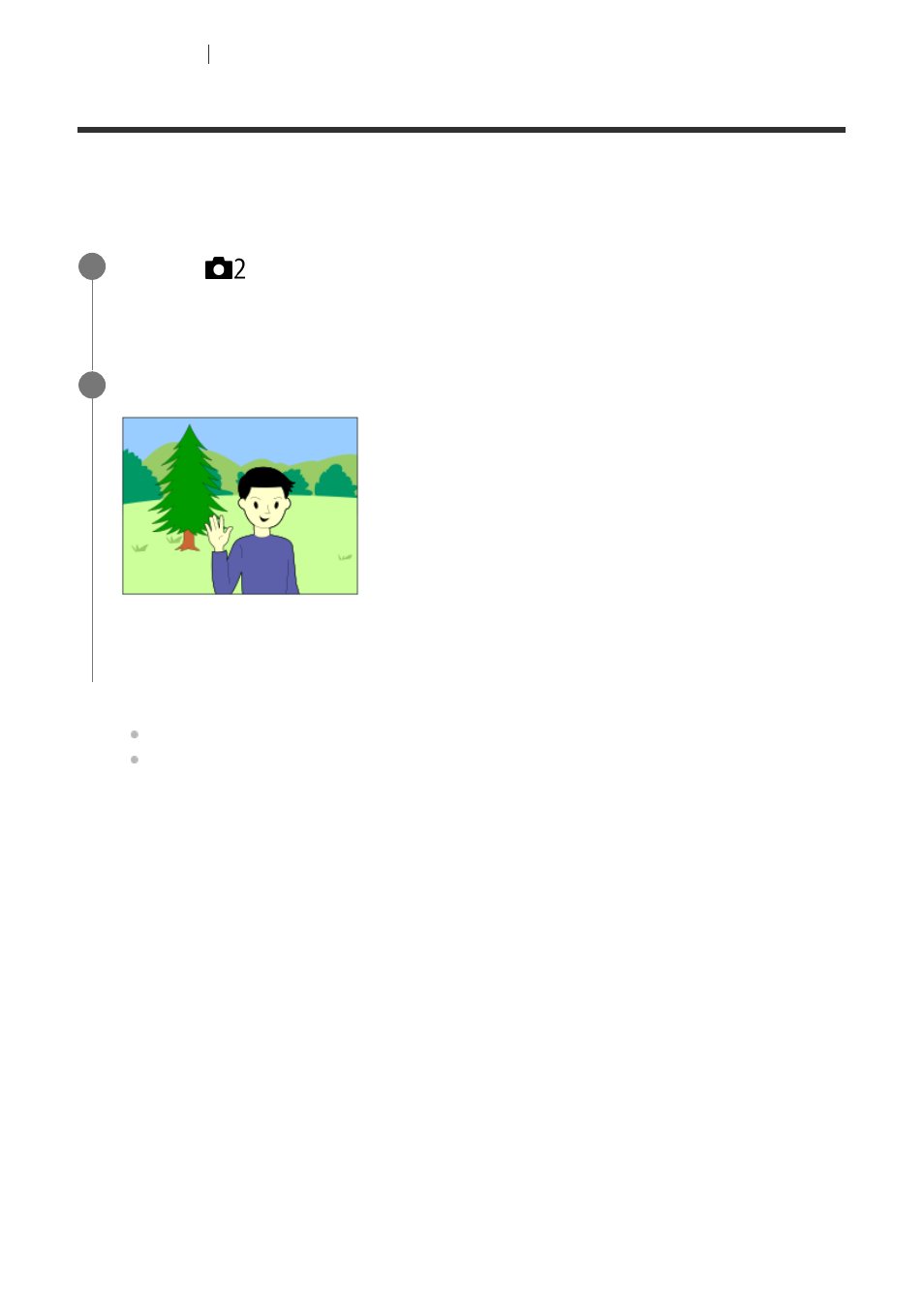
Center the subject on which FEL is to be locked, and adjust the focus.
2
Press the button to which [FEL Lock toggle] is registered, and set the flash amount.
A pre-flash flashes.
The
(FEL lock) lights up.
3
Adjust the composition and shoot the image.
When you want to release the FEL lock, press the button to which the [FEL Lock
toggle] is registered again.
4
See also other documents in the category Sony Cameras:
- DSC-H20 (149 pages)
- DSC-H20 (120 pages)
- DSC-U30 (84 pages)
- DSC-T200 (40 pages)
- DSC-T200 (131 pages)
- DSC-H2 (123 pages)
- DSC-M2 (19 pages)
- DSC-H2 (2 pages)
- DSC-T9 (111 pages)
- DSC-T9 (2 pages)
- DSC-P93 (132 pages)
- DSC-T1 (120 pages)
- DSC-T1 (10 pages)
- DSC-T1 (2 pages)
- DSC-V1 (132 pages)
- DSLR-A300X (167 pages)
- DSLR-A300X (1 page)
- DSC-P71 (108 pages)
- DSC-P31 (108 pages)
- DSC-M1 (19 pages)
- DSC-T5 (2 pages)
- DSC-T5 (107 pages)
- DSC-W230 (80 pages)
- DSC-W220 (129 pages)
- DSC-W220 (40 pages)
- DSC-W290 (60 pages)
- DSC-W290 (145 pages)
- DSC-S90 (103 pages)
- DSC-S60 (2 pages)
- DSC-S90 (2 pages)
- DSC-P8 (120 pages)
- DSC-HX1 (151 pages)
- DSC-HX1 (176 pages)
- DSC-H1 (107 pages)
- DSC-H1 (2 pages)
- DSC-U20 (108 pages)
- DSC-U20 (1 page)
- DSC-P41 (124 pages)
- DSC-F88 (132 pages)
- DSC-S40 (2 pages)
- DSC-S40 (91 pages)
- DSC-N1 (132 pages)
- DSC-N1 (2 pages)
- DSLR-A700P (179 pages)
- DSLR-A700P (19 pages)