Directory
Brands
Epiphan manuals
Accessories for video
AV.io HD
Manual

Epiphan AV.io HD User Manual

Page 20

  • Text mode
  • Original mode
background image

AV.io HD User Guide – Optional configuration

17

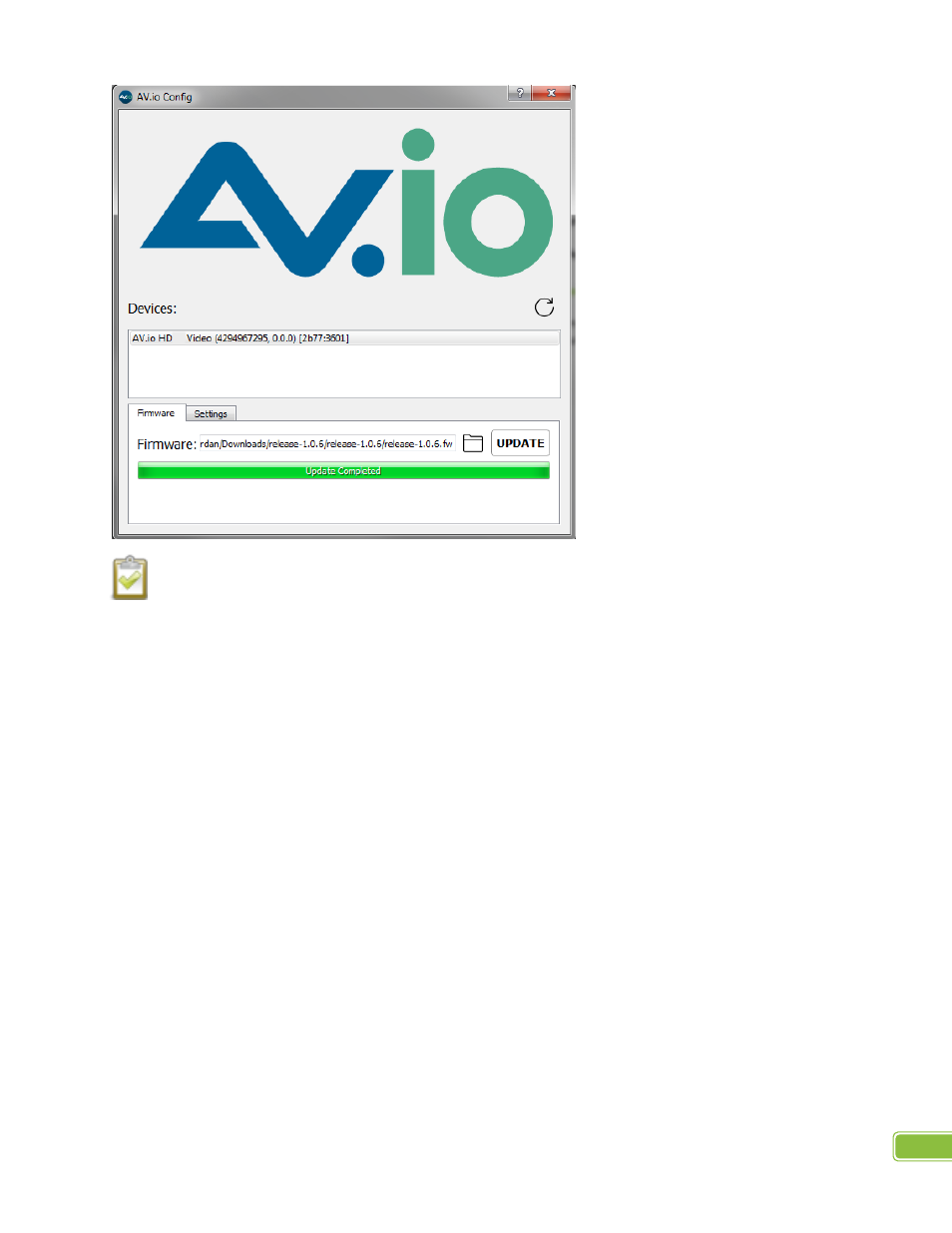
When updating firmware on a Mac, “Update Completed” text will not be displayed. The firmware

upgrade is complete when the progress bar fills the width of the AV.io Config window and the window
contents are no longer greyed out.

Pages: 1 … 18 19 20 21 22 … 27
  • wrong Brand
  • wrong Model
  • non readable
See also other documents in the category Epiphan Accessories for video:
  • SDI2USB 3.0 (86 pages)
  • DVI Broadcaster DL (209 pages)
  • DVI2USB Solo (166 pages)
  • Pearl (342 pages)
  • VGA Splitter (6 pages)
  • Recorder Pro HD Compact Migration Guide (2 pages)
  • Recorder Pro DL Compact Migration Guide (2 pages)
  • VGADVI Broadcaster Pro User Guide (306 pages)
  • VGADVI Broadcaster Pro Migration Guide (2 pages)
  • VGA Printer (86 pages)
  • DVI2PCIe Duo PCIe x4 Video Capture Card with SDI and Dual-Link DVI Inputs (93 pages)
  • Pearl Mini Live Video Production System (8 pages)
  • Pearl Mini Live Video Production System (438 pages)
  • Pearl Mini Live Video Production System with 512GB SSD (NA/JP) (459 pages)
Home Brands Popular manuals Recently added
Manuals Directory

© 2012–2025, azmanual.top
All rights reserved.