
DgFlick BookXpress User Manual
Page 57
User Manual 6.0
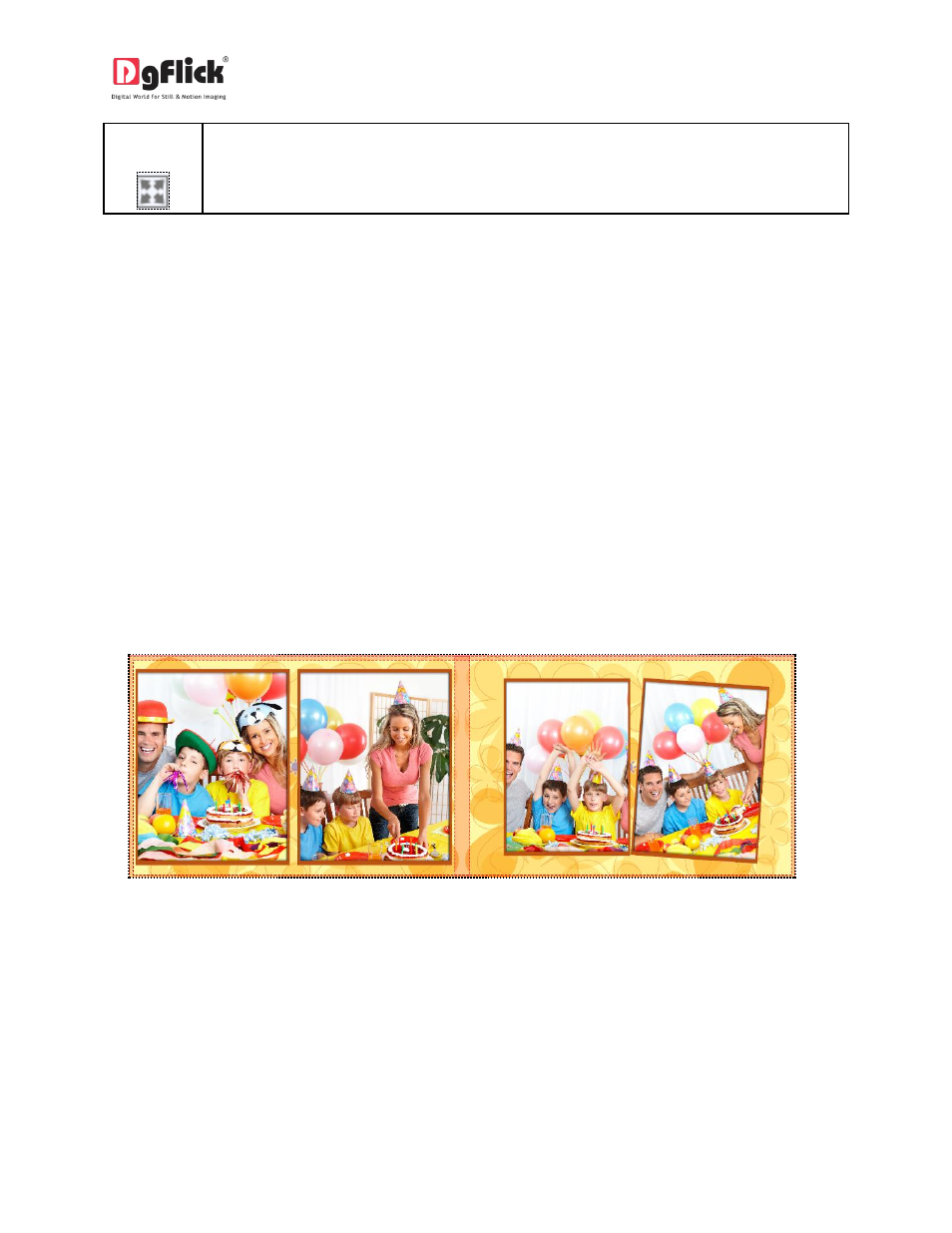
screen> Hides the option bar on the left and the page is now laid across the full screen. Page composition can be done in two ways 1. Ready page composition The Process 1. Ready page composition: Once you have selected the category, size, book type, layout and photos for the book, you will be Image 3.2.4.1: Preview of Book
2. Blank page composition
redirected to ‘Design Book’ window with the book designed according to your selection. Here you can
edit the backgrounds, layouts, clip-arts, etc. of a ready page manually. (Image 3.2.4.1)