
DgFlick BookXpress User Manual
Page 49
User Manual 6.0
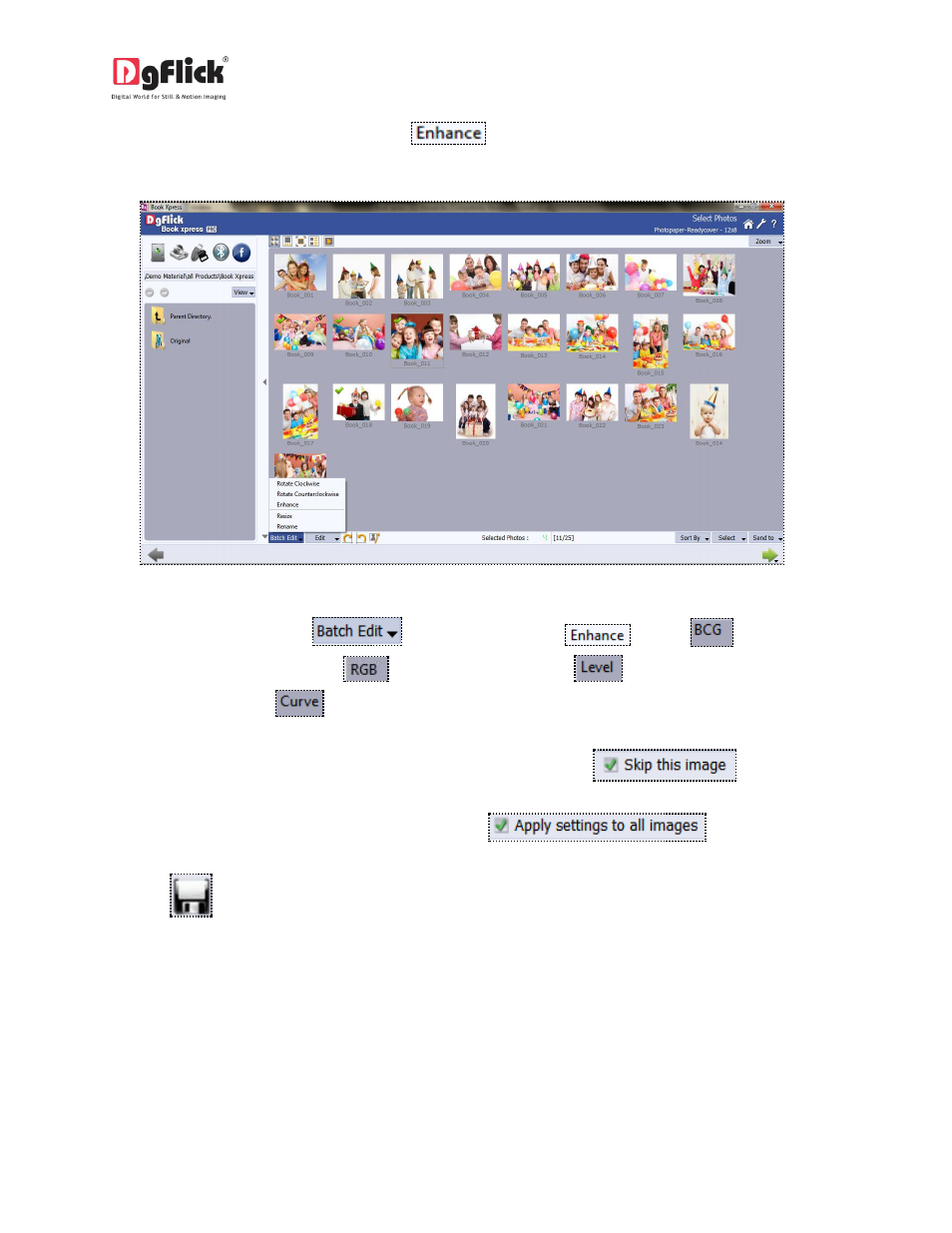
Select the photos to be edited and click on
option to color correct your multiple photos.
(Image3.2.3.2)
Image 3.2.3.2: Select multiple photos
On the ‘Edit Photo’ window (
),(Image 3.2.3.3) select
click on
to adjust the
brightness, contrast and gamma;
to adjust the color tones;
to adjust the input and output
levels of the photo and
to adjust the RGB color.
If you do not wish to apply the changes on the current photo, click on
.
To apply changes to all the selected photos, click on
.
Click on
to save all the changes made.
Clicking on Save will create a folder for original image and will save the changes made on the copy of the
image, without affecting the original image.