
Options while viewing the notes list – Nokia 6590 User Manual
Page 145
13
[ 136 ]
Options while viewing the
notes list
1
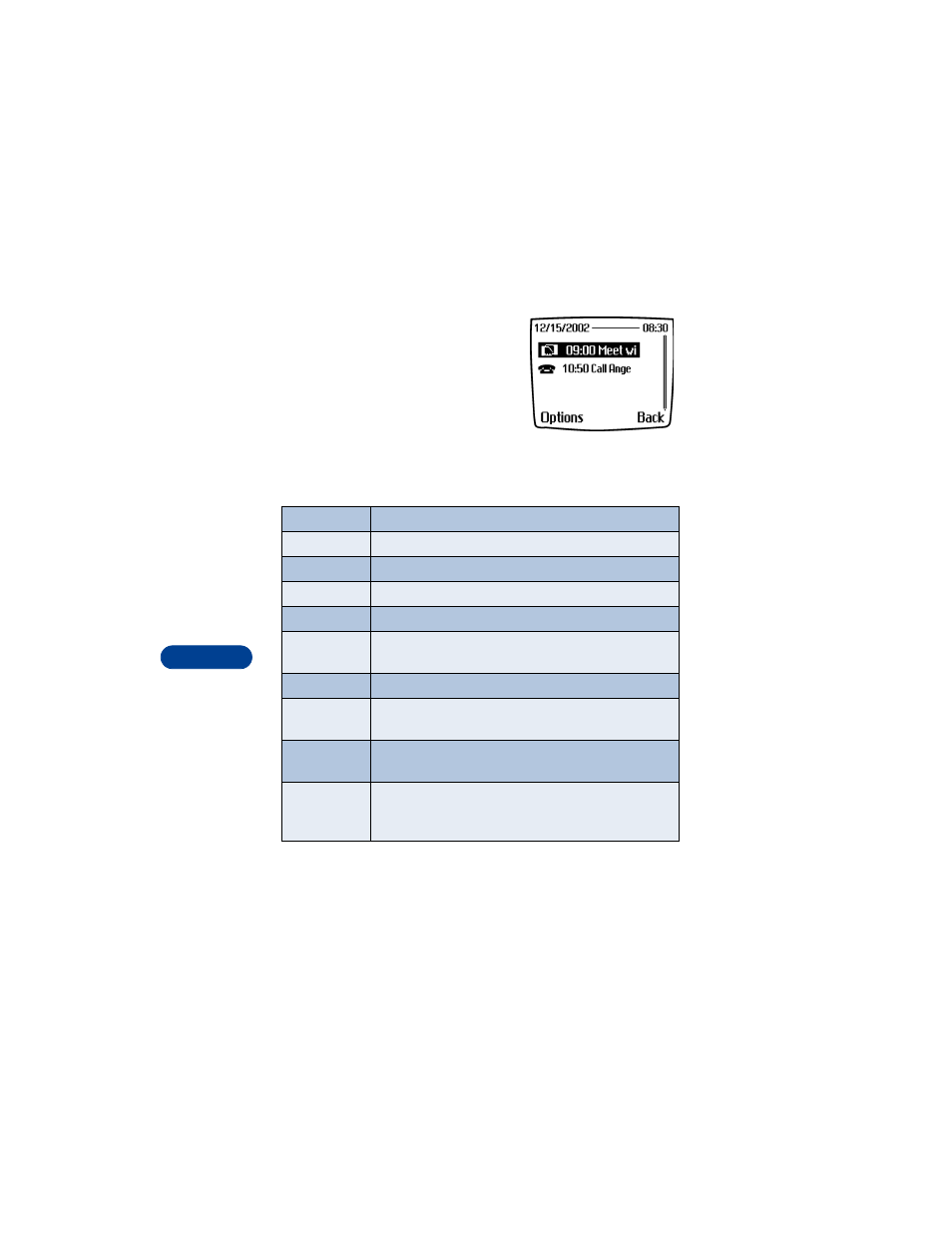
Press Options while viewing the day’s
notes to display the options listed in the
following table.
2
Scroll to an option. Press Select to
activate the option or enter its
submenu.
* Indicates an option that is available only while viewing the body of
a note.
Calendar note options
View
View the full note
Make a note
Make another note for the selected date
*Erase
Erase the note
*Edit
Edit the note
*Move
Move the note to another date on your calendar
*Repeat
Enable the note to recur on a regular basis (daily,
weekly, bi-weekly, monthly, and yearly)
Go to date
Jump to another date on your calendar
*Send note
Send the note to another device via Infrared or SMS as
text or in vCal format
*Copy
Copy the note. You can then “paste” the note to
another date
*Settings
Set the date and time, date and time format, the day
each week starts, and whether you want your notes to
auto-erase after a specified time
- 5510 (102 pages)
- 2310 (63 pages)
- 2310 (58 pages)
- 3660 (17 pages)
- 3660 (157 pages)
- N78 (368 pages)
- 5210 (106 pages)
- Nokia 1112 (56 pages)
- 7210 (185 pages)
- 2600 (66 pages)
- 2600 (2 pages)
- 2600 (185 pages)
- 6700 Slide (56 pages)
- 3510 (30 pages)
- 2100 (63 pages)
- 7020 (74 pages)
- 6300 (80 pages)
- E61i (241 pages)
- N97 (357 pages)
- N97 (130 pages)
- N71 (115 pages)
- 6510 (4 pages)
- 6670 (321 pages)
- N900 (283 pages)
- 2760 (99 pages)
- 2760 (69 pages)
- 9110i (26 pages)
- 8600 Luna (201 pages)
- 1616 EN (17 pages)
- 1616 (28 pages)
- 3109 (86 pages)
- E72 (150 pages)
- 9500 (112 pages)
- 3250 (2 pages)
- N72 (121 pages)
- XPRESSMUSIC 5220 (56 pages)
- 7370 (2 pages)
- 7370 (201 pages)
- 6170 (209 pages)
- E63 (143 pages)
- C3-00 (44 pages)
- 7610 (161 pages)
- 6310i (161 pages)
- 1280 (34 pages)
- 2690 (90 pages)