
Samsung DVD-VR375A-XAA User Manual
Page 63
English
_63
●
RECORDING
Media : Select the media to record (DVD or VCR).
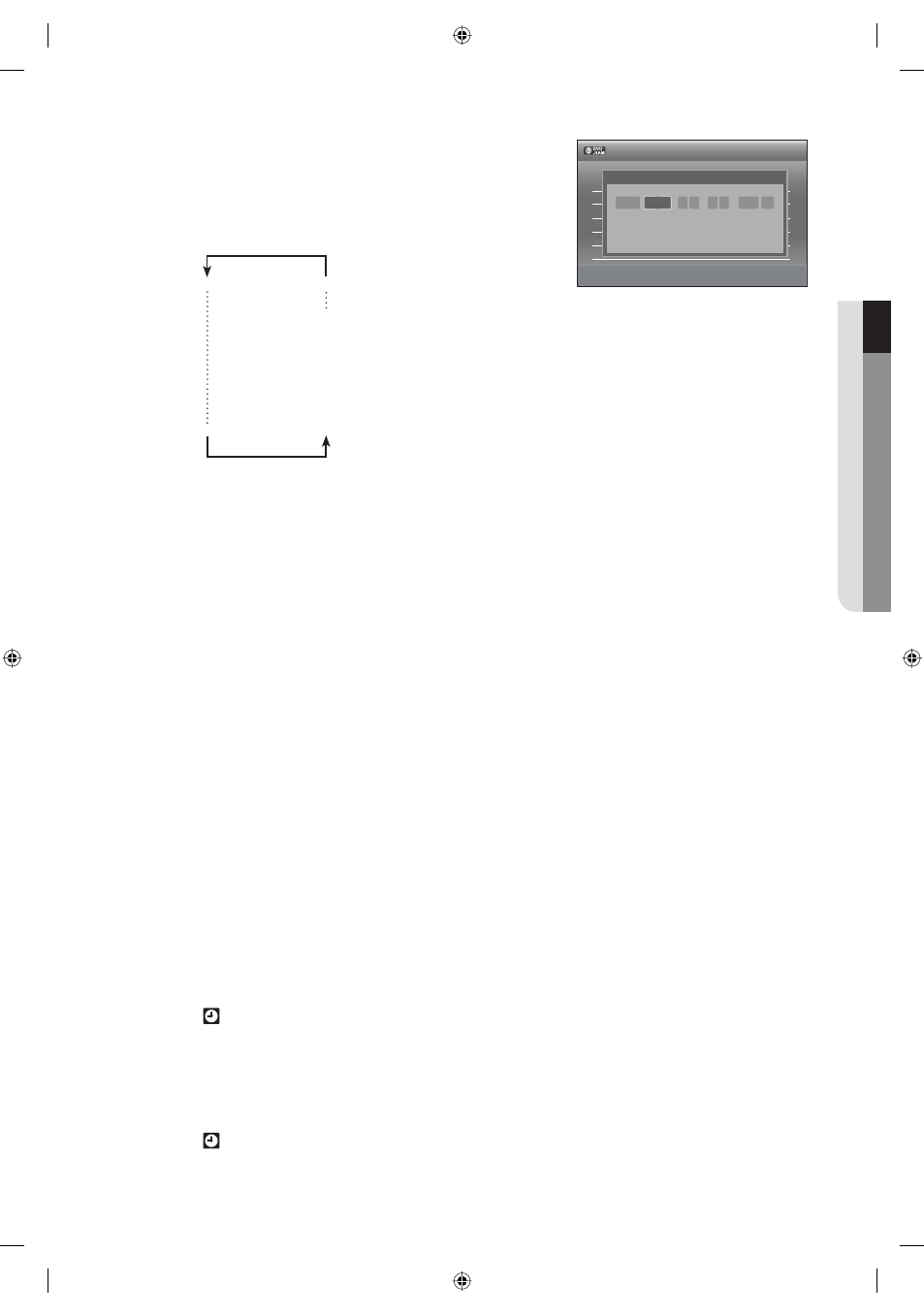
Date : Date that the timer recording starts
- Sets the date using
▲ button.
- To record the same program every day or the same day
every week, press
▼ button.
see below :
1month later Sat
Mon
Sun
Mon-Fri
Mon-Sat
Sun-Sat
Today
Start/End Time : Start and end time of the timer recording.
Ch : The video input source.
- When using the set top/cable box or satellite receiver control, select the channel.
- When not using the set top/cable box or satellite receiver control, select the AV1 or AV2 input.
Select the channel on connected set top/cable box or satellite receiver's side before timer recording starts.
Recording Mode (DVD)
AUTO : Select when you want to set video quality automatically. In AUTO mode, the most suitable record
mode is adjusted automatically, according to remaining time on the disc and length of the timer recording.
This function is selected only one mode in HQ, HSP, SP, LSP, ESP, LP, EP and SLP modes and you can
use this mode for timer recording.
HQ : Approx. 1 hour
HSP : Approx. 1 hour 30 minutes
SP (standard quality) : Approx. 2 hours
LSP : Approx. 2 hours 30 minutes
ESP : Approx. 3 hour
LP : Approx. 4 hour
EP (extended mode) : Approx. 6 hour
SLP (long duration mode) : Approx. 8 hours
The dual layer DVD±Rs have approximately double the capacity of single layer DVD±Rs.
Recording Mode (VCR)
AUTO : Select when you want to set video quality automatically.
It depends on remaining time on the VCR tape.
SP : Standard Play, for best picture quality.
EP : Extended Play, for maximum recording time(3 times SP).
Press the ENTER button.
will appear on the front panel. It means that a timer recording is registered.
If the timer settings overlap
The fi rst program has priority. After recording of the fi rst program is complete, the second program starts
being recorded.
Turn the power off to fi nish the timer recording.
will blink if a disc or tape is not inserted.
•
•
•
•
❖
❖
7.
•
8.
•
>
Adjust
<Move
rReturn
eExit
No. Media Date Start End Ch Mode Edit
01 DVD 01/01 12:00 12:00 AV 1 --
►
02 --- --/-- --:-- --:-- ---- --
►
03 --- --/-- --:-- --:-- ---- --
►
04 --- --/-- --:-- --:-- ---- --
►
05 --- --/-- --:-- --:-- ---- --
►
06 --- --/-- --:-- --:-- ---- --
►
12:00 AM
Timer-Standard
No.01
DVD Today 12 : 00 PM 12 : 11 PM AV1 SP
Media
Date
Start End Ch Mode
01613A-03-VR375-XAA-ENG.indb 63
01613A-03-VR375-XAA-ENG.indb 63
2008-06-11 오후 2:18:49
2008-06-11 오후 2:18:49