
Ch digit lock, Mode for set button, English – Samsung DVD-VR375A-XAA User Manual
Page 45: System setup
English
_45
●
SYSTEM SETUP
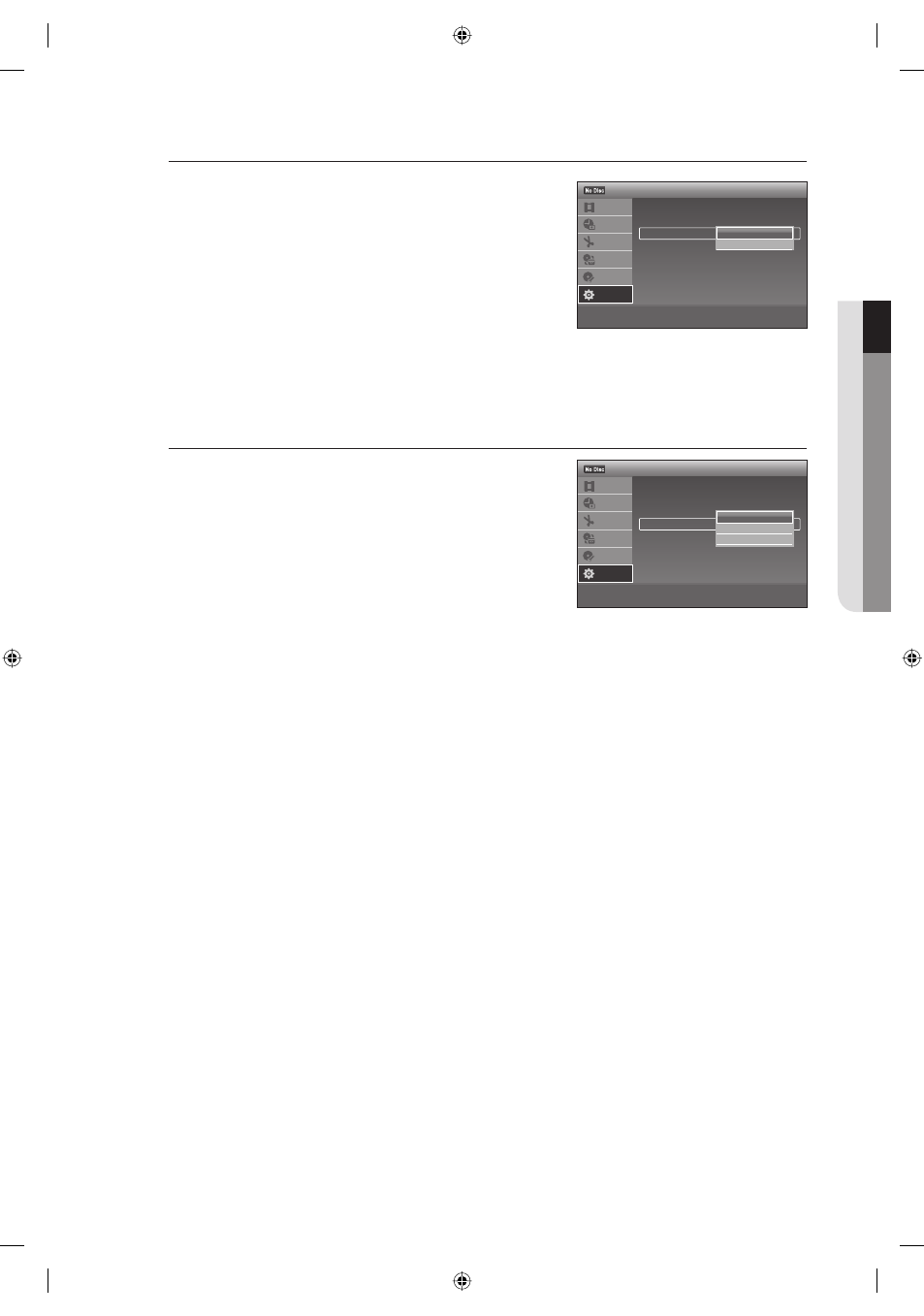
CH Digit Lock
Select the sub item(Off or Lock to two digits) using the
▲▼ buttons,
then press the ENTER button.
Off : Select this when your Set top/Cable box or satellite
receiver only accepts three or more digit channel numbers.
Normally select this.
Lock to 2 digits : Select this when your Set top/Cable box or
satellite receiver only accepts a two digit channel number.
Mode for SET button
Some Set top/Cable box or satellite receiver require you to press SET
after pressing the channel number. If your Set top/Cable box or
satellite receiver operates this way, follow the instructions below to set
Mode 1 or 2. Select the sub item(Off, Mode 1 or Mode 2) using the
▲▼ buttons, then press the ENTER button.
Off : No code is sent when the SET button is pressed.
Normally select this.
Mode 1 or Mode 2 : Sends the channel number you entered.
If "Mode 1" does not work, try "Mode 2."
If your Set top/Cable box or satellite receiver does not respond to either setting, contact the manufacturer of the Set
top/Cable box or satellite receiver.
•
•
•
•
M
>
Move
sEnter
rReturn
eExit
12:00 AM
Set Top Box Control
Title List
Timer
Edit
Dubbing
Disc
Setting
Setup
Brand Code
: 0000
Connections :
AV1
Ch.Digit lock
: Off
Mode for SET button : Off
✔
Off
Lock to 2 digits
>
Move
sEnter
rReturn
eExit
12:00 AM
Set Top Box Control
Title List
Timer
Edit
Dubbing
Disc
Setting
Setup
Brand Code
: 0000
Connections :
AV1
Ch.Digit lock
: Off
Mode for SET button : Off
✔
Off
Mode1
Mode2
01613A-03-VR375-XAA-ENG.indb 45
01613A-03-VR375-XAA-ENG.indb 45
2008-06-11 오후 2:18:17
2008-06-11 오후 2:18:17