
Clock set, Setting up the video options, Tv type – Samsung DVD-VR375A-XAA User Manual
Page 30: System setup
30_
system setup
system setup
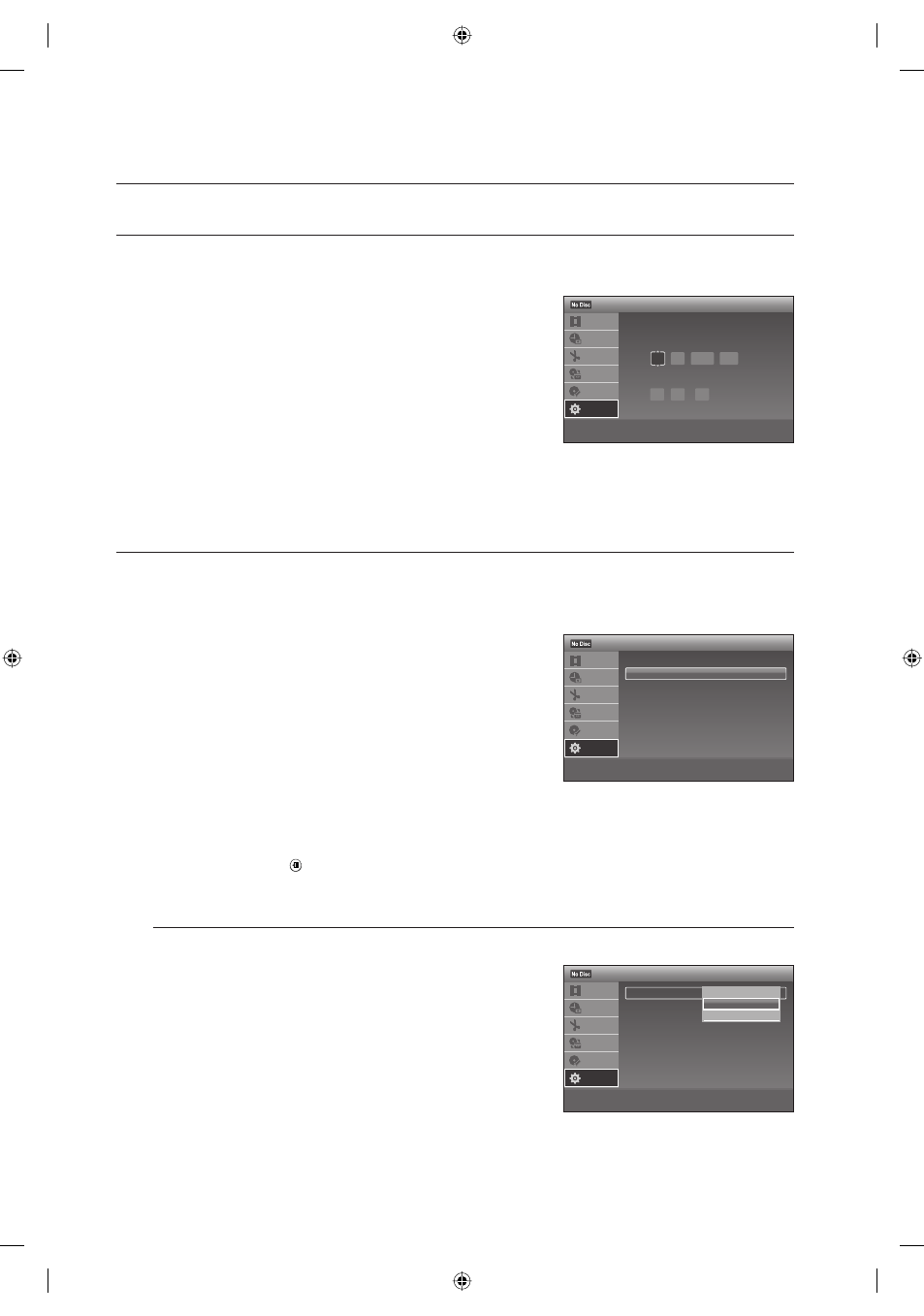
CLOCK SET
This menu is used to set the current time. You need to set the time to use timer recording.
With the unit in Stop mode/No Disc mode, press the MENU button.
Press the
▲▼ buttons to select Setup, then press ENTER.
Press the
▲▼ buttons to select Clock Set, then press ENTER.
Press the
▲▼◄ ► buttons to select the Current Date and Time,
then press the ENTER
button.
When the current time is stored in memory and then the set is
powered off, the current time will appear in the front panel display.
▲▼ : Sets the value
You can set the value using the number (0~9) buttons.
◄
►
: Moves to items
SETTING UP THE VIDEO OPTIONS
This function allows you to setup the video setting.
This function depends on disc type. It may not work for some disc types.
With the unit in Stop mode, press the MENU button.
Press the
▲▼ buttons to select Setup, then press the ENTER
button.
Press the
▲▼ buttons to select Video, then press the ENTER
button.
Video setup menu will be displayed.
Press the
▲▼ buttons to select the desired video option shown
on the next few pages, then press the ENTER button.
Press the
▲▼ buttons to select the desired item, then press the ENTER button.
Press the RETURN button to return to the previous menu.
Press the EXIT ( ) button to exit the menu.
TV Type
Depending on the type of television you have, you may want to adjust the screen setting. (aspect ratio)
16:9 : You can view the full 16:9 picture on your wide screen
TV.
4:3 Letter Box : Select when you want to see the total 16:9
ratio screen DVD supplies, even though you have a TV with a
4:3 ratio screen. Black bars will appear at the top and bottom
of the screen.
4:3 Pan Scan : Select this for conventional size TV when you
want to see the central portion of the 16:9 screen. (Extreme left
and right side of movie picture will be cut off.)
1.
2.
3.
4.
1.
2.
3.
4.
5.
M
•
•
•
m
Move
sEnter
rReturn
eExit
12:00 AM
Clock Set
Title List
Timer
Edit
Dubbing
Disc
Setting
Setup
Set the time and date manually.
Month Day Year
01 01 2008 Tue
Hour Min AM/PM
12 : 00
AM
>
Move
sEnter
rReturn
eExit
12:00 AM
Setup
Title List
Timer
Edit
Dubbing
Disc
Setting
Setup
Clock Set
Video
Audio
Features
Options
Easy Setup
>
Move
sEnter
rReturn
eExit
12:00 AM
Video
Title List
Timer
Edit
Dubbing
Disc
Setting
Setup
TV Type
: 4:3 Letter Box
Resolution (HDMI)
: Auto
Video(HDMI) :
YCbCr
Black Level
: On
Picture Control
: Standard
Progressive :
On
16:9
✔
4:3 Letter Box
4:3 Pan Scan
01613A-03-VR375-XAA-ENG.indb 30
01613A-03-VR375-XAA-ENG.indb 30
2008-06-11 오후 2:17:49
2008-06-11 오후 2:17:49