
English – Samsung DVD-VR375A-XAA User Manual
Page 29
English
_29
●
SYSTEM SETUP
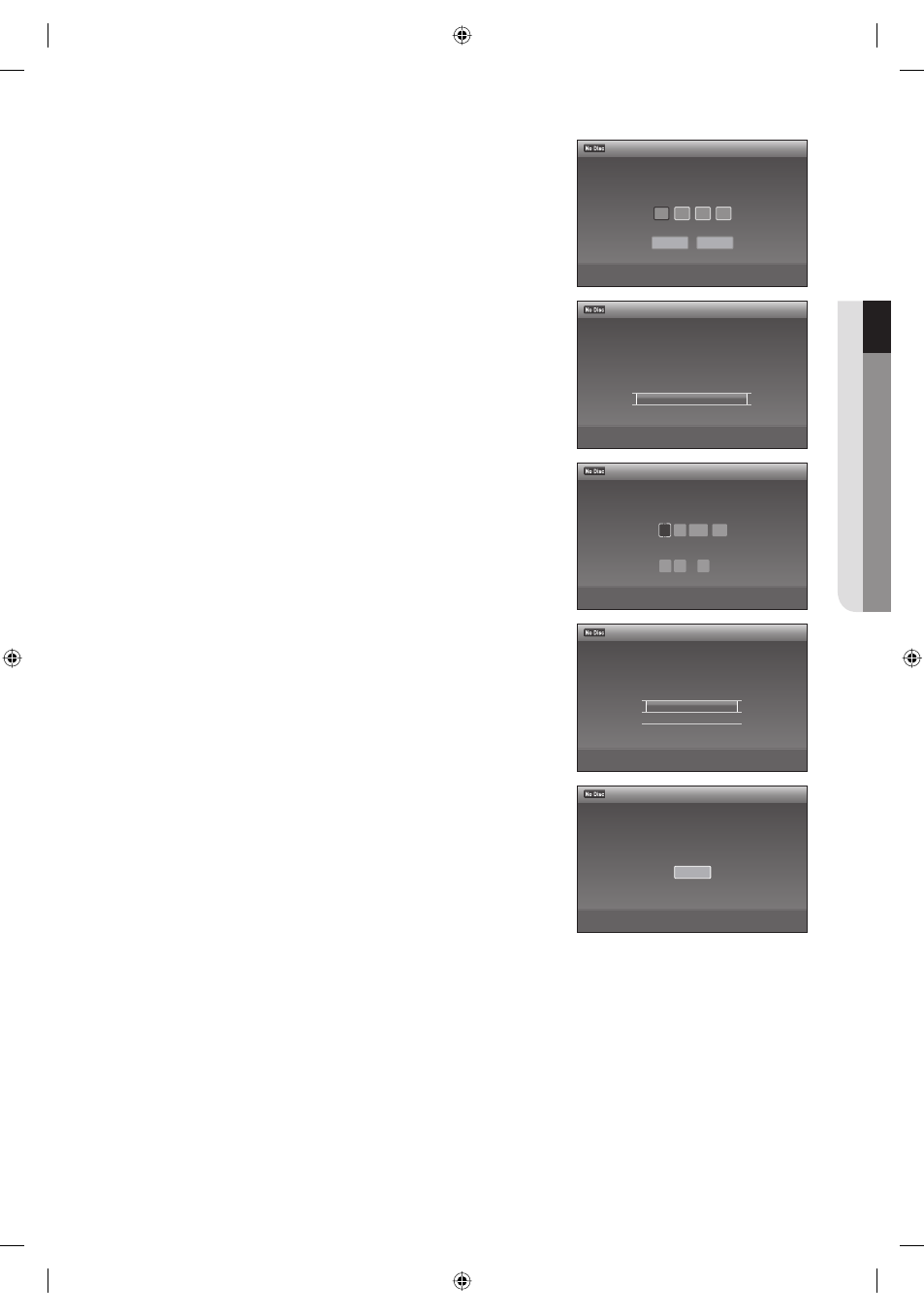
Press the
◄ ► buttons to select OK, then press the ENTER
button.
Select whether or not you use the Set Top Box Pass-through,
then press the ENTER button. Please refer to page 39.
The setup display for clock setting appears.
Press the
▲▼◄ ► buttons to select the Current Date and Time,
then press the ENTER button.
Select the setting that matches your TV type.
For details see page 30.
Press the
▲▼ buttons to select the desired TV screen type, then
press the ENTER
button.
The message "Easy Setup is fi nished." is displayed.
Press the ENTER
button.
Easy setup is fi nished. All connections and setup operations are
complete.
9.
10.
11.
12.
13.
14.
12:00 AM
Easy Setup
>
Move
sEnter
rReturn
eExit
STB Pass-Through
This will allow you to use your cable or satellite box
even when your DVD Recorder is off.
On
✔ Off
12:00 AM
Easy Setup
>
Move
sEnter
rReturn
eExit
Enter the brand code of
your set top box.
OK
Cancel
12:00 AM
Easy Setup
>
Move
sEnter
rReturn
eExit
Select your TV screen type.
16:9
✔ 4:3 Letter Box
4:3 Pan Scan
12:00 AM
Easy Setup
m
Move
sEnter
eExit
Set the time and date manually.
Month Day Year
01 01 2008 Tue
Hour Min AM/PM
12 : 00 AM
12:00 AM
Easy Setup
sEnter
rReturn
eExit
Easy Setup is finished.
Finish
01613A-03-VR375-XAA-ENG.indb 29
01613A-03-VR375-XAA-ENG.indb 29
2008-06-11 오후 2:17:47
2008-06-11 오후 2:17:47