
Acer 7230 User Manual
Page 84
74
Chapter 3
See “Removing the DIMM Modules” on page 65.
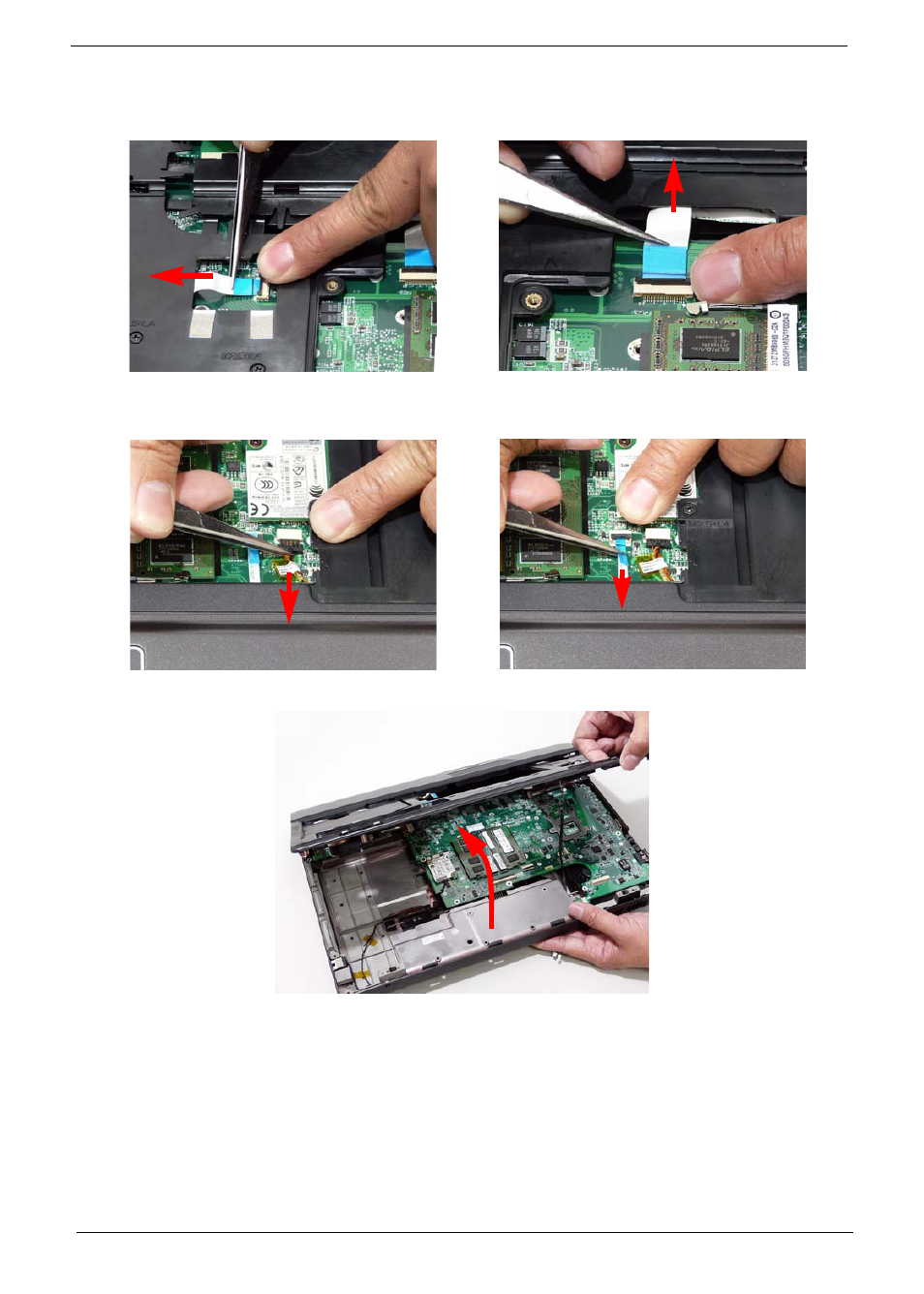
9. Remove the upper cover by lifting upward from the chassis, rear edge first.
Release the securing latch and disconnect (A) as
shown.
Release the securing latch and disconnect (B) as
shown.
Disconnect (C) as shown.
Release the securing latch and disconnect (D) as
shown.
This manual is related to the following products: