Chapter 3
119
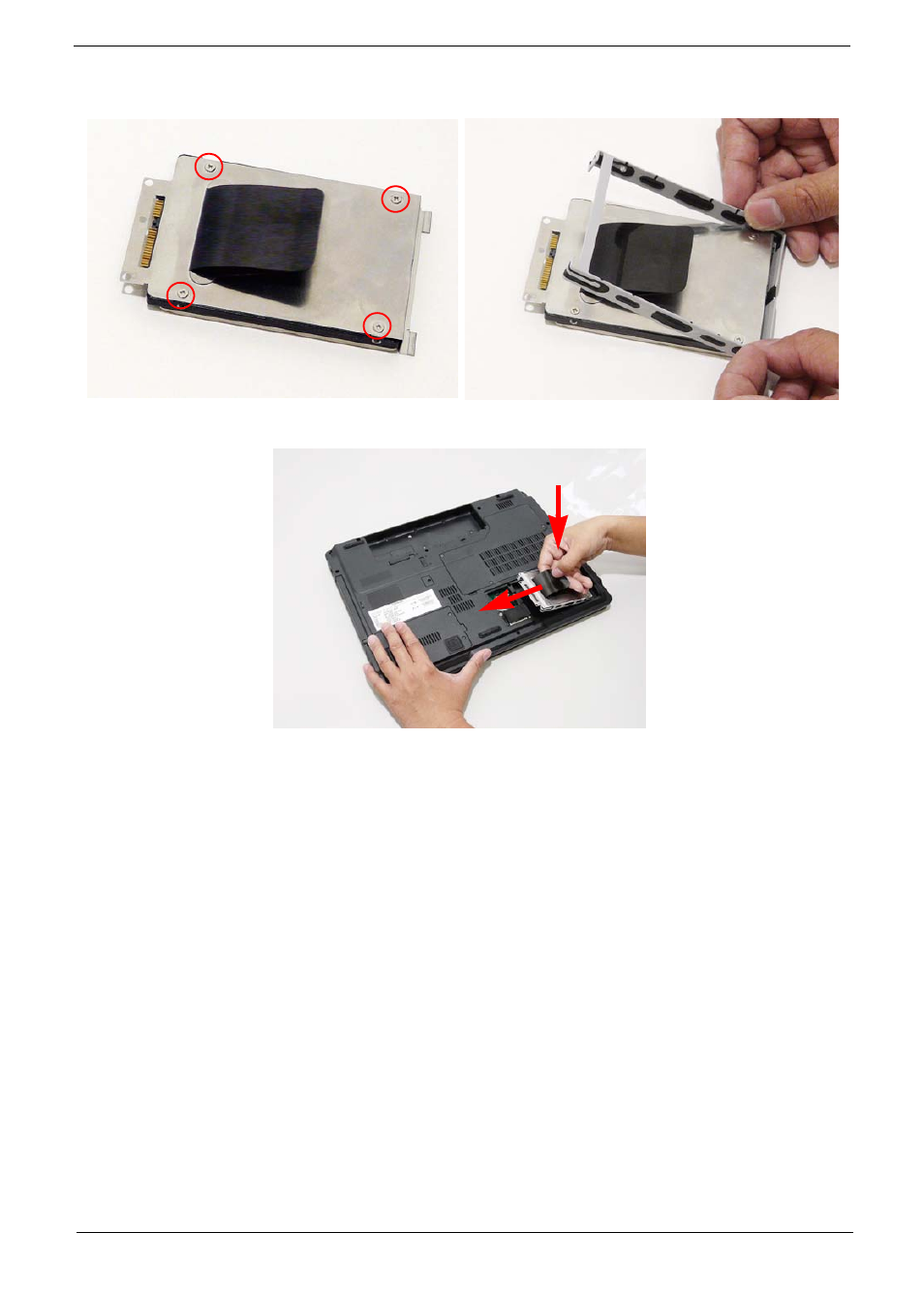
3. Replace the four screws securing the hard disk to
the carrier.
4. Replace the HDD holder.
5. Place the HDD in the bay and slide into the connector. Ensure the HDD is secure before replacing the
cover.