
Calculator, Calendar, Calculator calendar – LG LGV500 User Manual
Page 73: Using your calculator, Adding an event to your calendar
71
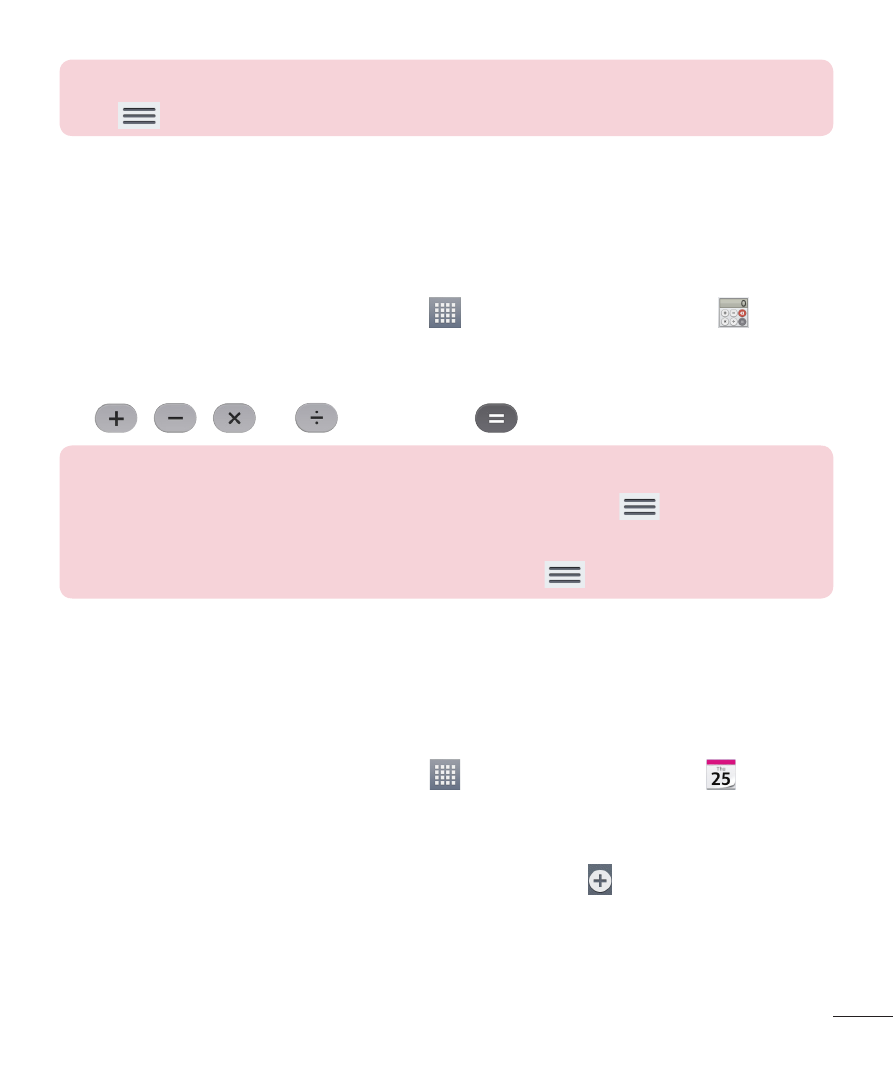
NOTE: To change alarm settings in the alarm list screen, touch the Menu
Key
and select
Settings.
Calculator
Using your calculator
1
From the Home screen, tap
Apps
>
Apps tab > Calculator
.
2
Touch the number keys to enter numbers.
3
For simple calculations, touch the function you want to perform
(
,
,
or
) followed by
.
NOTE:
• For more complex calculations, touch the
Menu Key
, select the
Scientific calculator, then choose the desired function.
• To view the calculation history, tap
Menu Key
>
Calculation history.
Calendar
Adding an event to your calendar
1
From the Home screen, tap
Apps
>
Apps tab > Calendar
.
2
Tap the drop-down menu at the top left corner to change the calendar
view (Day, Week, Month, Year, Agenda).
3
Tap the date you wish to add an event to and tap .
4
Touch the
Event name field and enter the event name.
- Octane VN530 (166 pages)
- Octane VN530 (345 pages)
- C2500 (73 pages)
- C3320 (76 pages)
- 500 (85 pages)
- C1100 (90 pages)
- 600 (86 pages)
- B2100 (79 pages)
- C2200 (52 pages)
- -TM510 (47 pages)
- -DM110 (40 pages)
- 200 (54 pages)
- 8560 (2 pages)
- CHOCOLATE MCDD0012301 (12 pages)
- AX245 (200 pages)
- CU500 (10 pages)
- CU500 (16 pages)
- CU500 (218 pages)
- 260 (240 pages)
- 1500 (196 pages)
- 1500 (2 pages)
- AX260 (115 pages)
- LG300G (226 pages)
- Apex (80 pages)
- Cosmos (8 pages)
- VN250 (141 pages)
- A7110 (8 pages)
- A7110 (262 pages)
- 3280 (94 pages)
- BLUETOOTH QDID B013918 KP199 (226 pages)
- Bliss -UX700W (143 pages)
- GT950 (149 pages)
- Wine (2 pages)
- ELLIPSE 9250 (169 pages)
- C1300 (134 pages)
- 355 (102 pages)
- LGVX9200M (317 pages)
- Ally VS740 (2 pages)
- GR500R (146 pages)
- 150 (76 pages)
- 620G (2 pages)
- BL20 (48 pages)
- -RD2630 (68 pages)
- DOUBLEPLAY MFL67441301 (196 pages)
- 420G (2 pages)