
Savin 4090 User Manual
Page 80
Copying
70
2
• Open to right
Note
❒ In this mode, the machine sets the reproduction ratio automatically to match
the paper size and copies the originals together onto the paper.
Reference
You can erase a 3 mm (0.1 inch) boundary margin around all four edges of
originals in Combine mode. See p.132 “Erase Original Shadow in Combine”.
You can insert lines to separate images. See p.134 “Separation Line in Com-
bine”.
AAAA
Set the orientation with the User Tools.
Reference
p.135 “Orientation: Booklet, Magazine”
BBBB
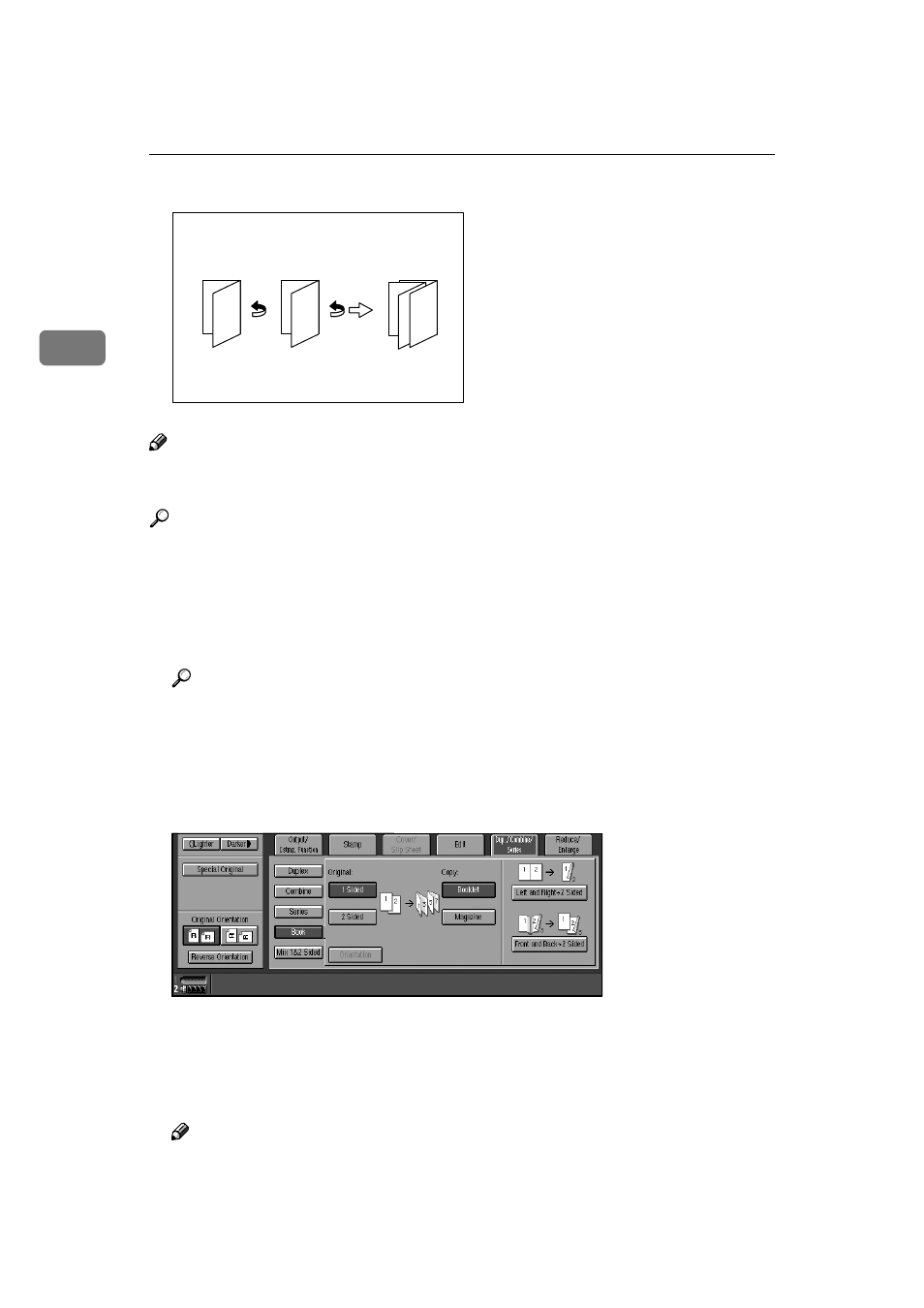
Press [Dup./Combine/Series].
CCCC
Press [Book].
DDDD
Press [1 Sided] or [2 Sided].
EEEE
Press [Magazine].
FFFF
Select the paper size.
GGGG
Place originals, and then press the
{{{{Start}}}} key.
Note
❒ When placing originals on the exposure glass or in the ADF in batch or
SADF mode, press the
{{{{#}}}} key after all originals are scanned.
GCBOOK6E
3 1
5
5
3
7
1
- C2824 (107 pages)
- 4700WD (42 pages)
- 4027 (132 pages)
- 2235 (79 pages)
- C2408 (132 pages)
- Copier SDC326 (112 pages)
- 1302f (89 pages)
- LF310 (86 pages)
- LP231cn (4 pages)
- 2555 (96 pages)
- c3224 (160 pages)
- 2515 (32 pages)
- 2585 (30 pages)
- LF515e (320 pages)
- AC205 (339 pages)
- 3150eDNP (125 pages)
- C7570 (80 pages)
- 4018 (80 pages)
- 2545/2545p (89 pages)
- AC205L (14 pages)
- DSm627 (188 pages)
- 1075 (106 pages)
- 40105 (66 pages)
- 4018d (128 pages)
- 7800W (95 pages)
- 3350DNP (230 pages)
- 8700W (69 pages)
- 2045 (104 pages)
- 1802d (56 pages)
- 3360DNP (233 pages)
- 2575 (88 pages)
- 8020d (6 pages)
- 3355 (81 pages)
- 9927DP (163 pages)
- 4035e (132 pages)
- MLP26 (180 pages)
- 7700W (90 pages)
- 1802 (102 pages)
- C3535 (167 pages)
- 1232 (108 pages)
- 5502 (27 pages)
- RCP40 (46 pages)
- SP 3300 Series (101 pages)
- SPC210SF (176 pages)