
beautypg.com

Maintenance, Replacing the print cartridges, Removing the used cartridges – Lenovo 5110 User Manual

Page 43: 1 make sure the power light is on, 2 raise the front cover, Chapter 3: maintenance
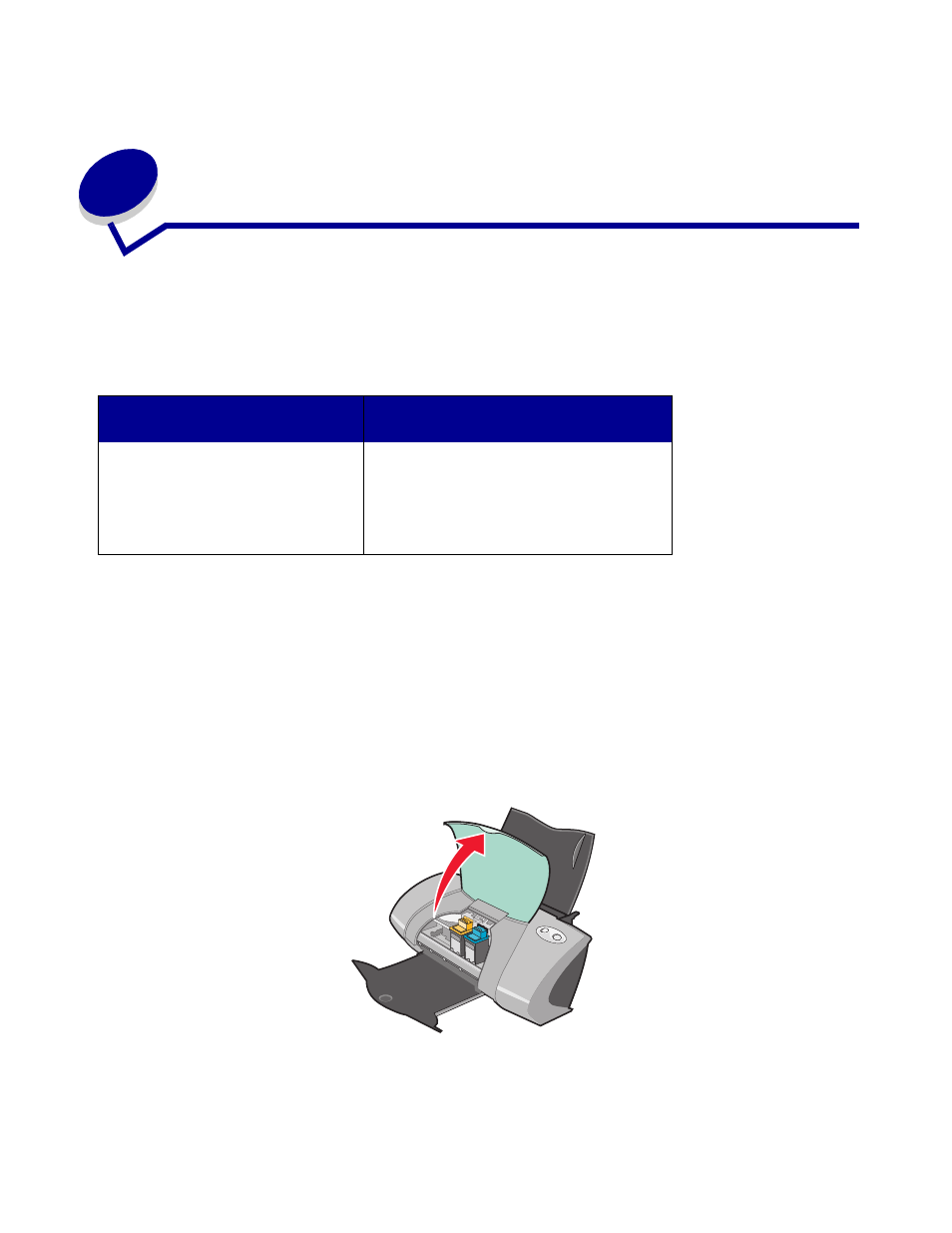
Maintenance, Replacing the print cartridges, Removing the used cartridges | 1 make sure the power light is on, 2 raise the front cover, Chapter 3: maintenance | Lenovo 5110 User Manual | Page 43 / 74 Maintenance, Replacing the print cartridges, Removing the used cartridges | 1 make sure the power light is on, 2 raise the front cover, Chapter 3: maintenance | Lenovo 5110 User Manual | Page 43 / 74
This manual is related to the following products: